Invitations from Another Company
Accept or decline when another company invites you.
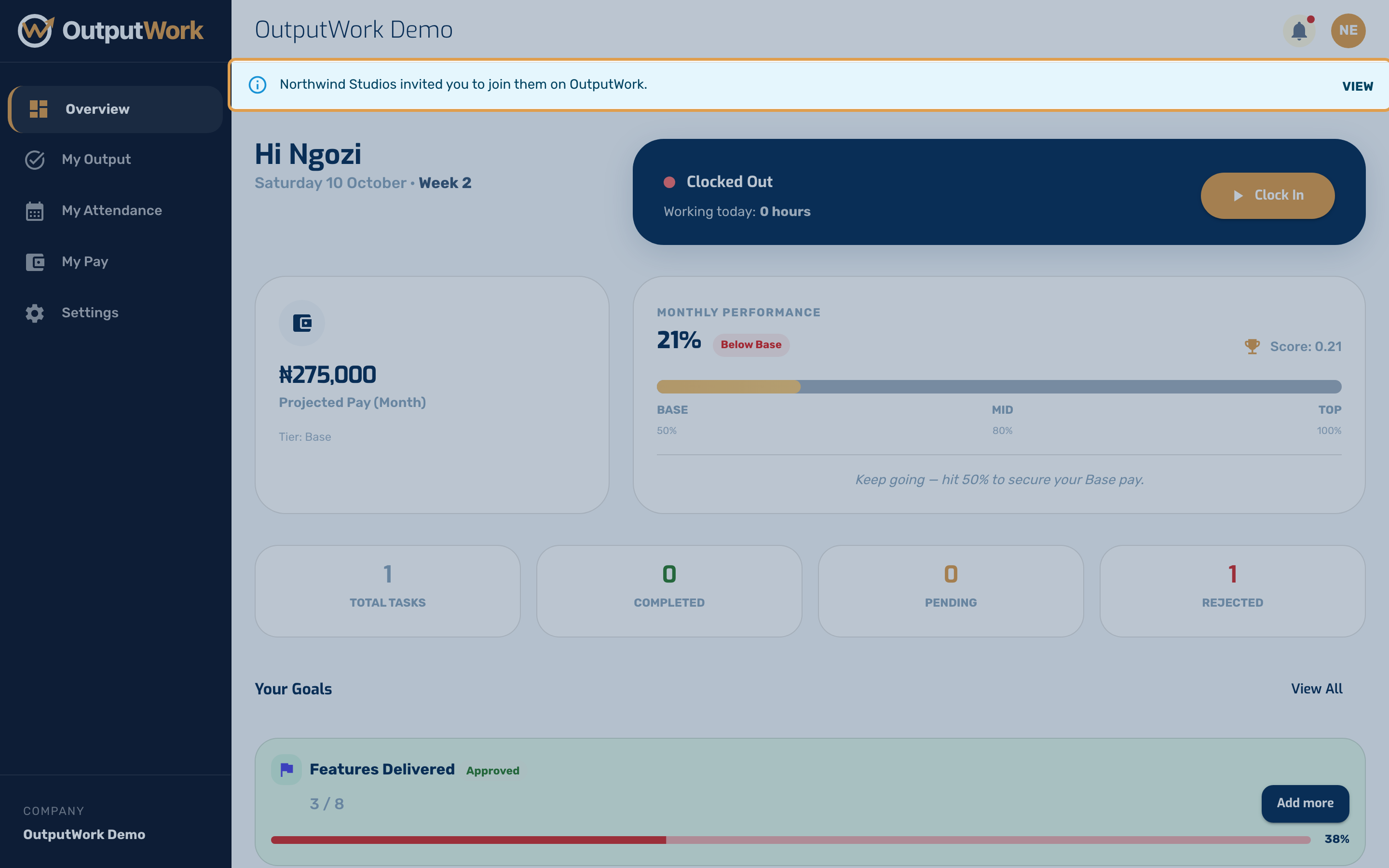
Step 1. When another company that uses OutputWork invites you, you don't get a second account. You get an email saying who invited you, and a banner at the top of your workspace: … invited you to join them on OutputWork. Click it to see your invitations.
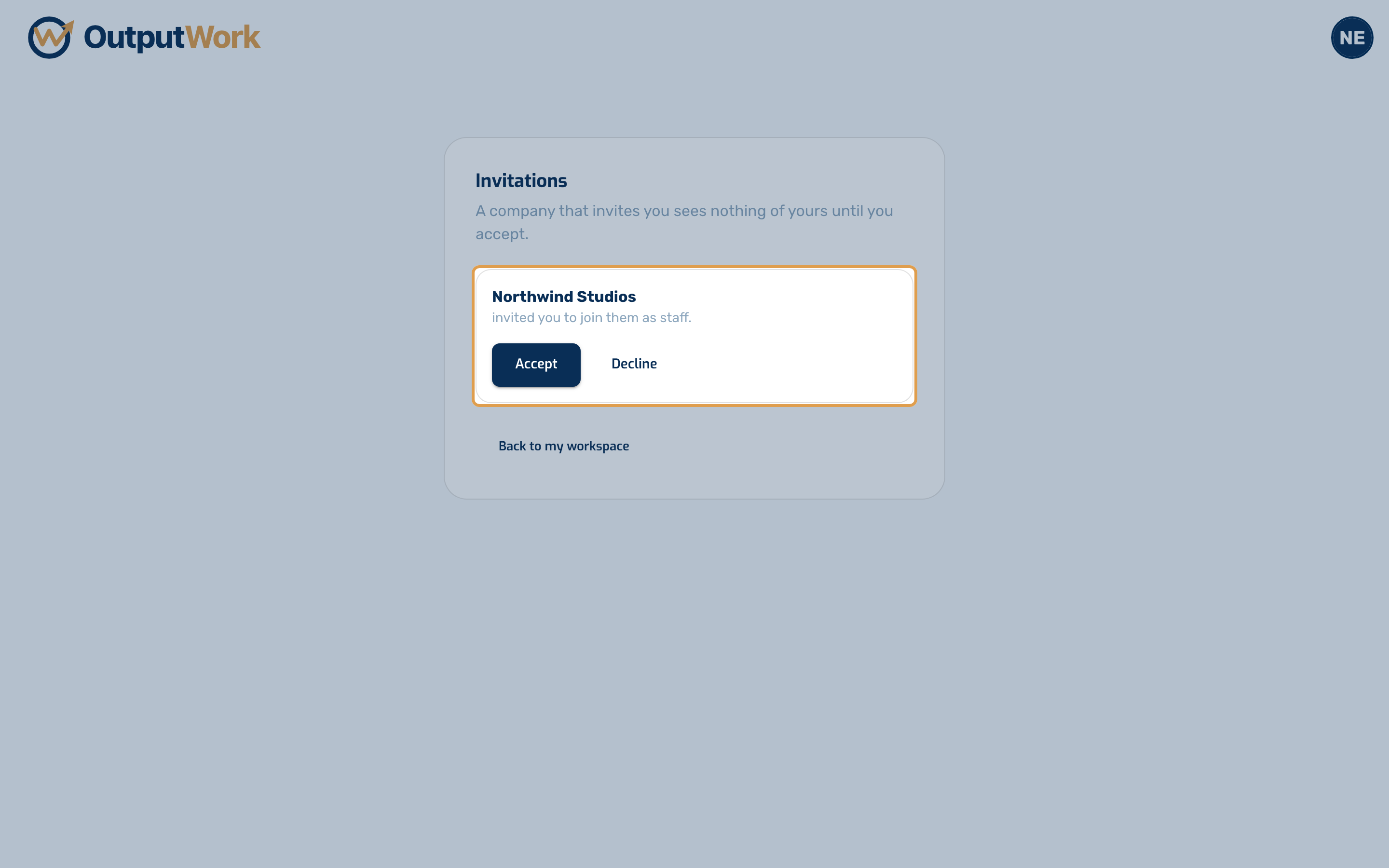
Step 2. Invitations lists each company waiting for you, and the role it offered. That company sees nothing of yours until you accept.
- Accept to join. The company opens, and it is in your switch menu from then on, beside the companies you already had.
- Decline if you don't want to join. The invitation is removed, and nothing changes for you.
If you have no company yet, only invitations, signing in takes you straight to this page.