Resetting a Forgotten Password
Get back in when you cannot remember your password.
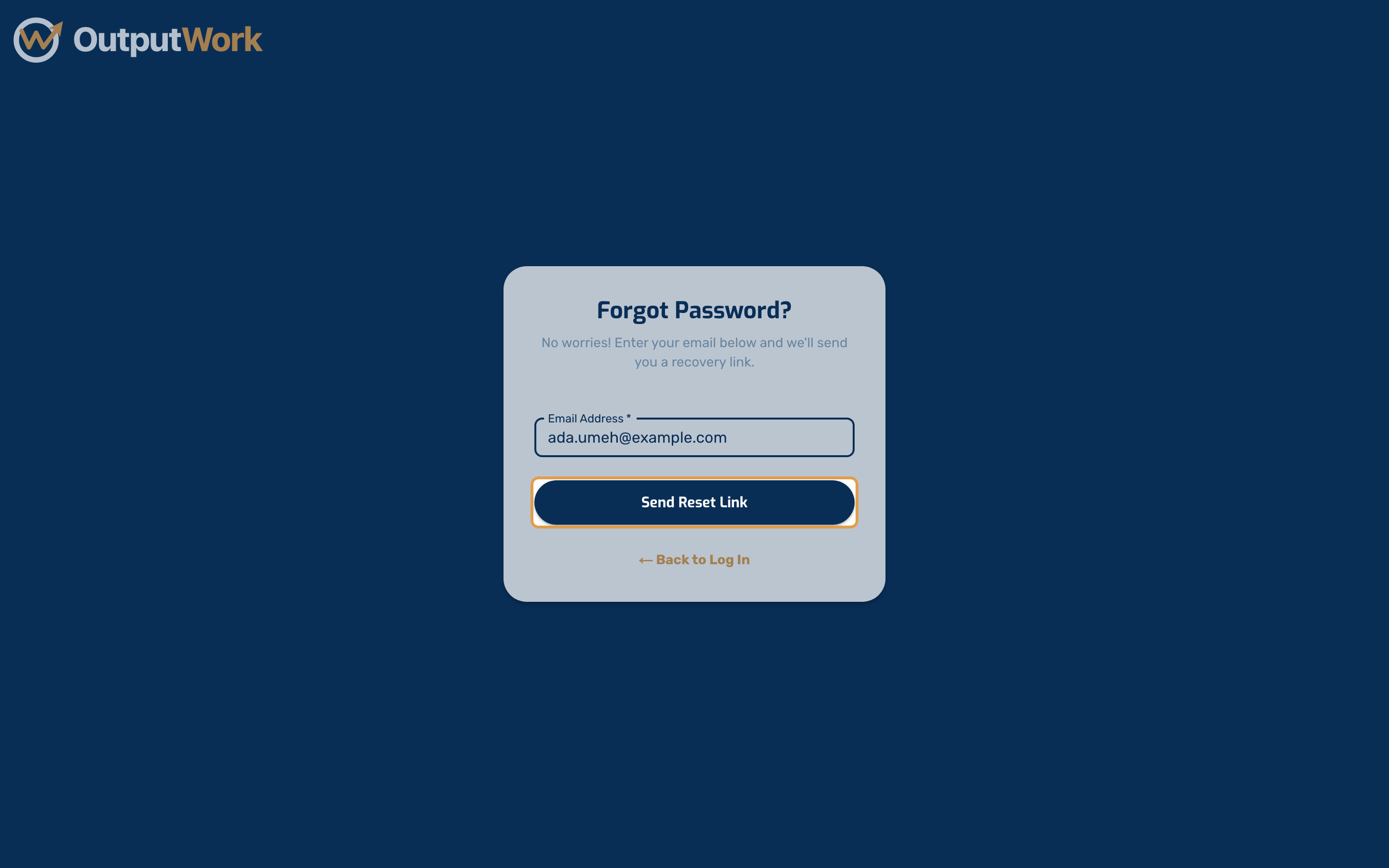
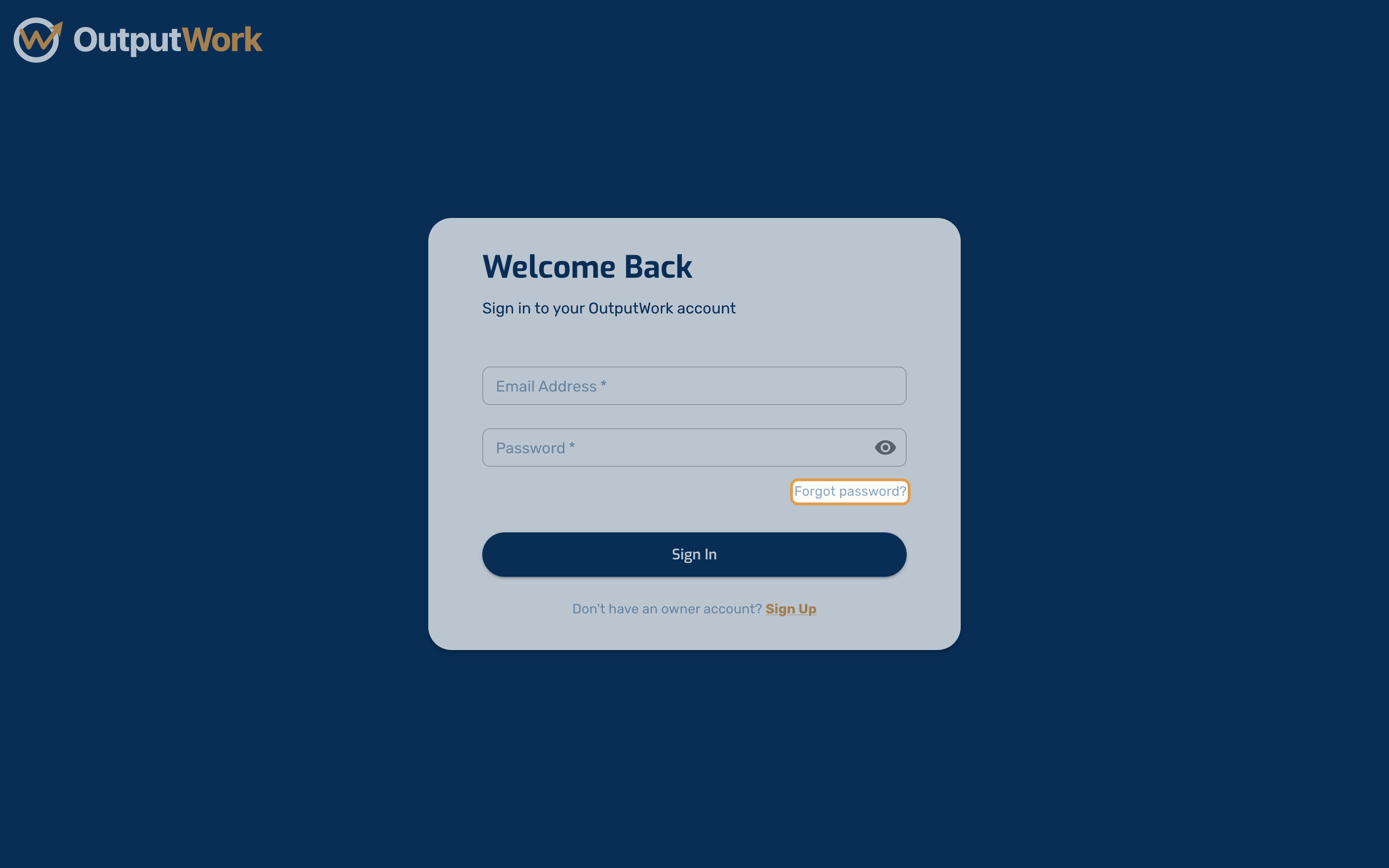
Step 1. On the sign-in page, click Forgot password? just above the Sign In button.
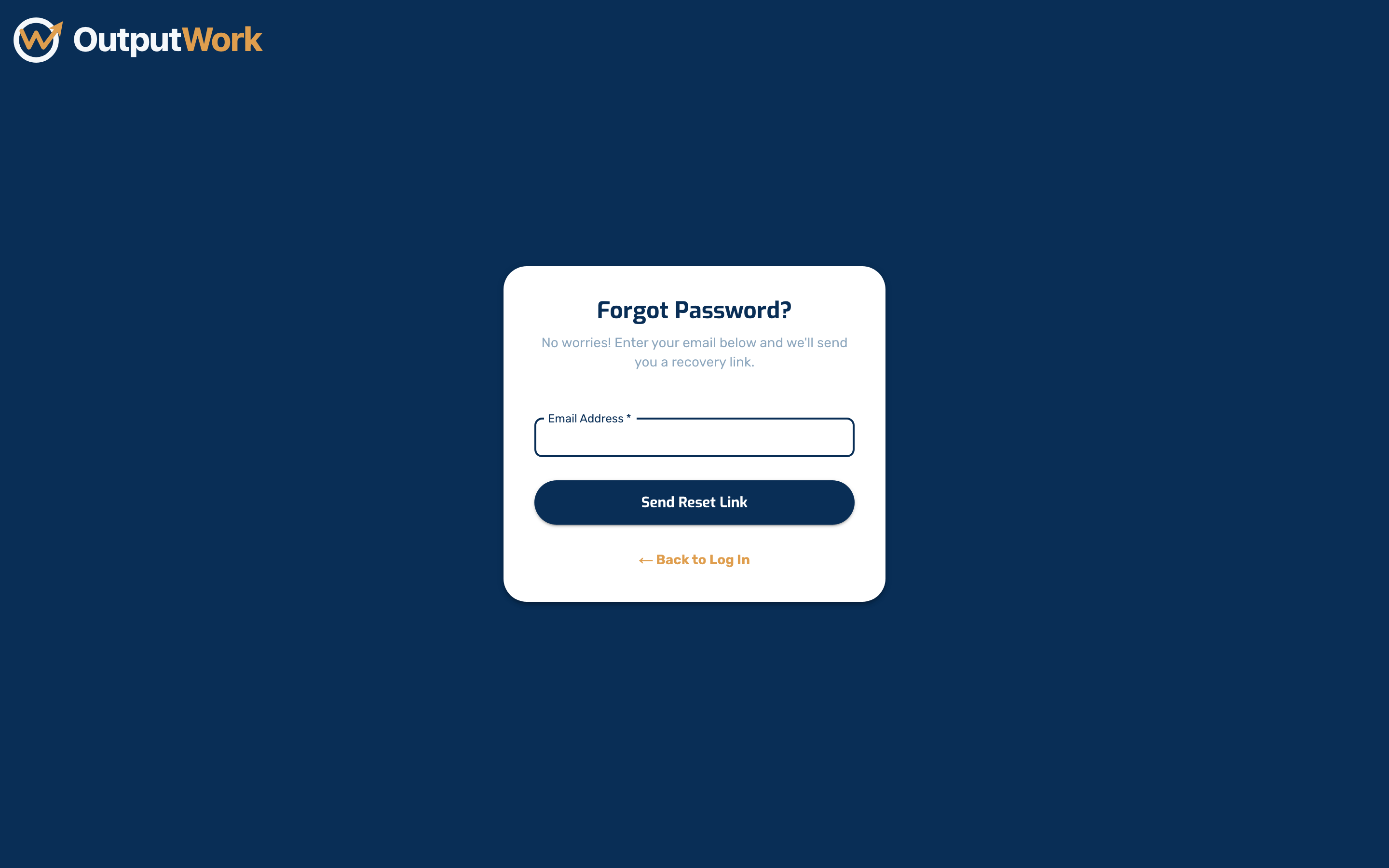
Step 2. Enter the email address you sign in with and click Send Reset Link.
Step 3. Check your inbox and follow the link. It opens a page where you choose a new password — after that, sign in with the new one.