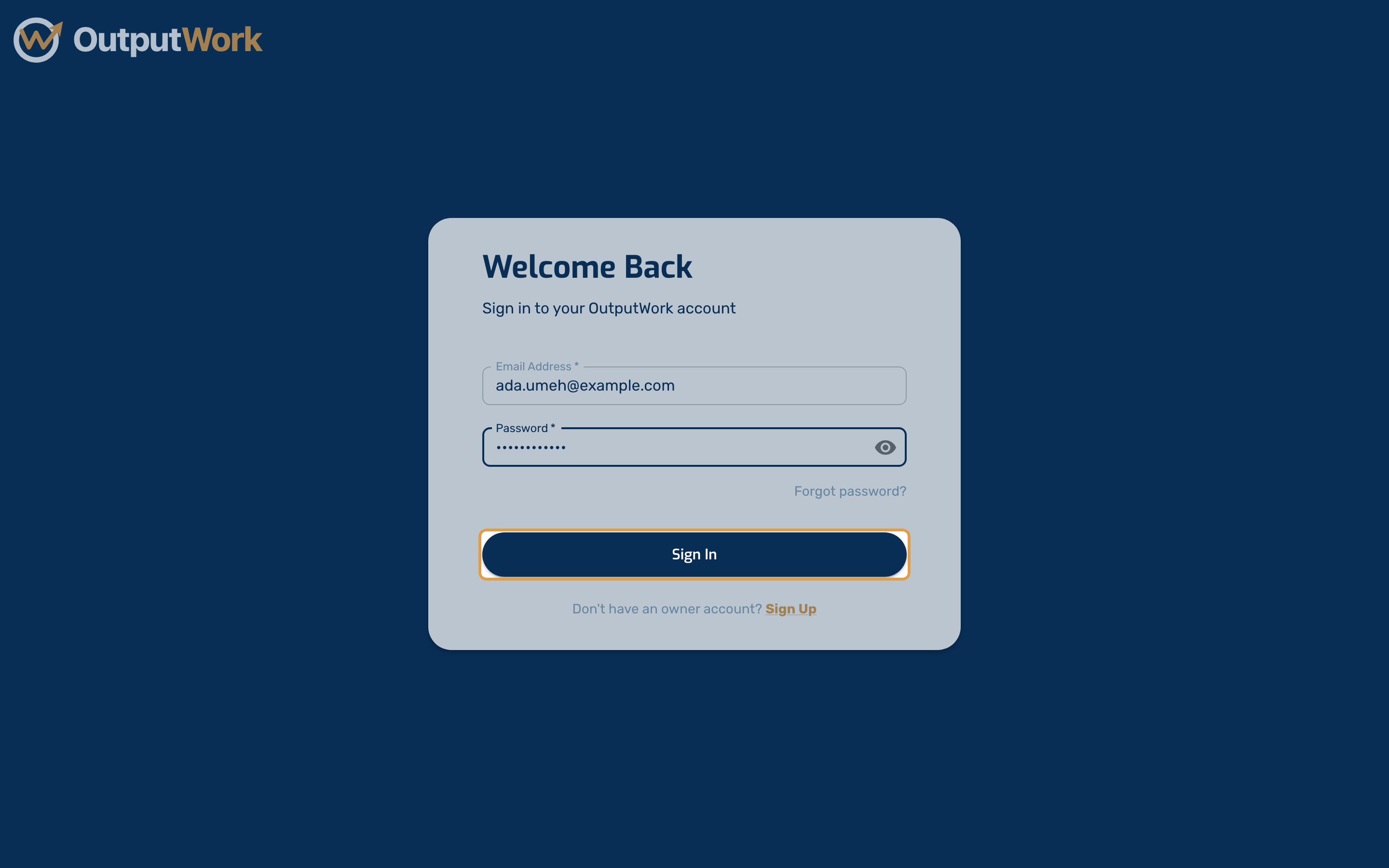
Signing In
How to sign in to OutputWork and where you land afterwards.
Step 1. Go to your OutputWork address and you will see the sign-in page.
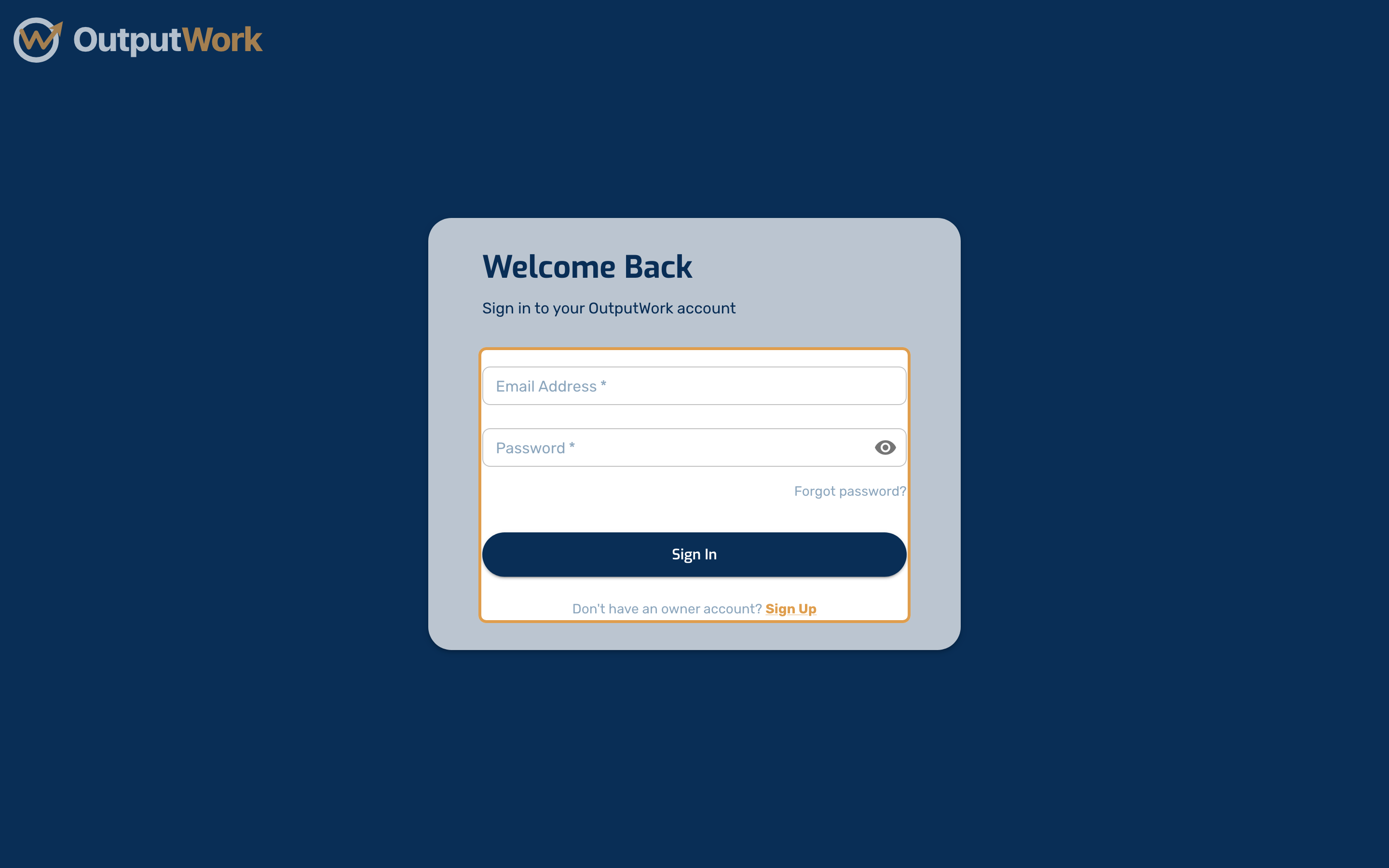
Step 2. Enter the email address your organization invited you with.
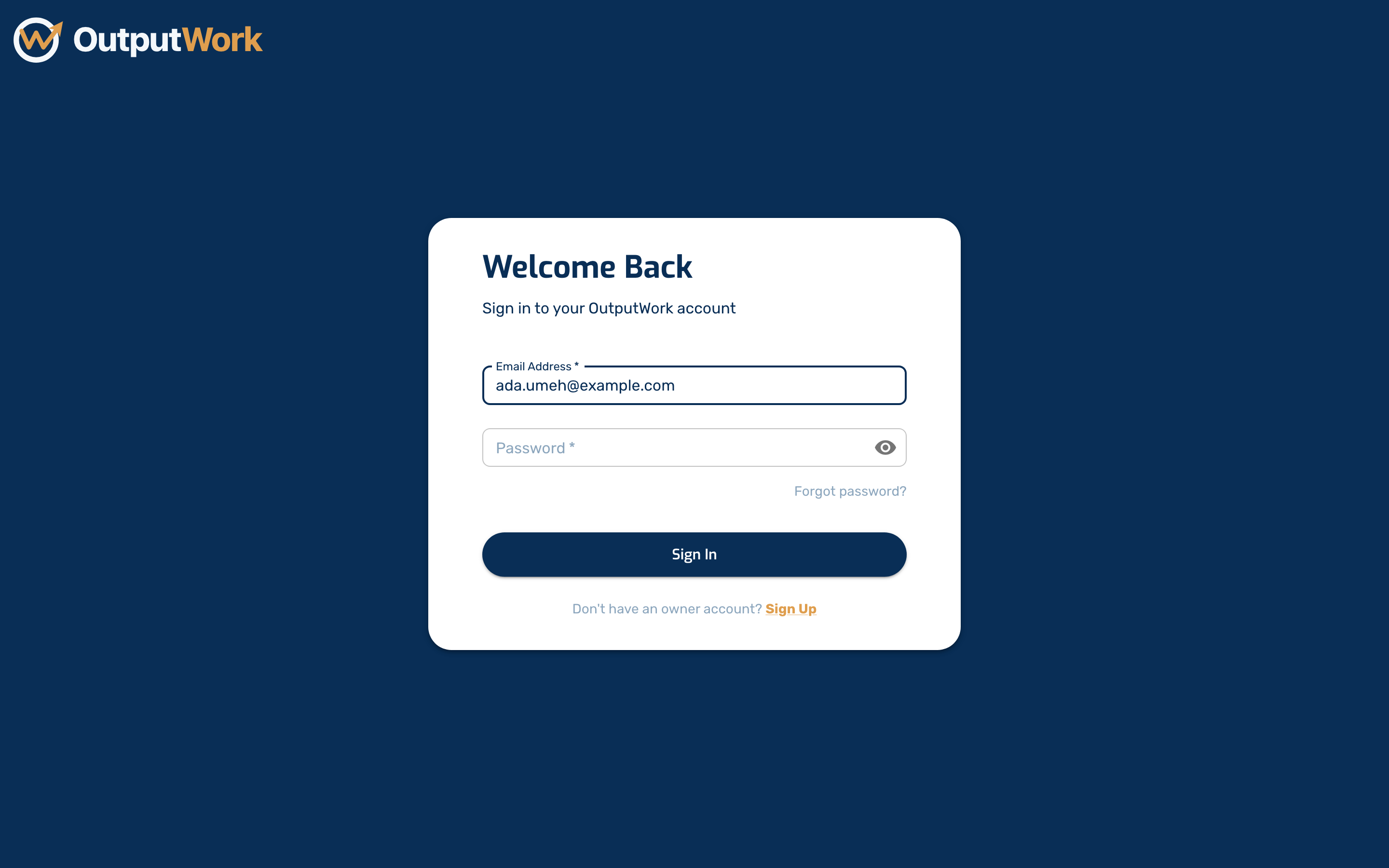
Step 3. Enter your password, then click Sign In. If you have forgotten it, use Forgot password? just above the button.
You land in your organization's workspace. Its address names your organization — for example app.outputwork.com/northwind-studios/dashboard — so it is worth bookmarking. Older bookmarks and links still work and open the same place, and links in OutputWork's emails and WhatsApp messages open your organization's own page.