Working in Several Companies
One sign-in for every company you belong to, and switching between them.
Step 1. You can belong to more than one company on OutputWork with the same sign-in: if you run two businesses, say, or another company invites you. You sign in once, with the same email and password, for all of them.
Each company is separate. It has its own team, work, attendance, pay and billing, and nobody in one company sees anything of the others.
When you belong to more than one, there is a switch button beside the company's name at the top of the page.
If you have two OutputWork accounts, under two emails, you can join them into one: see Linking Two Accounts.
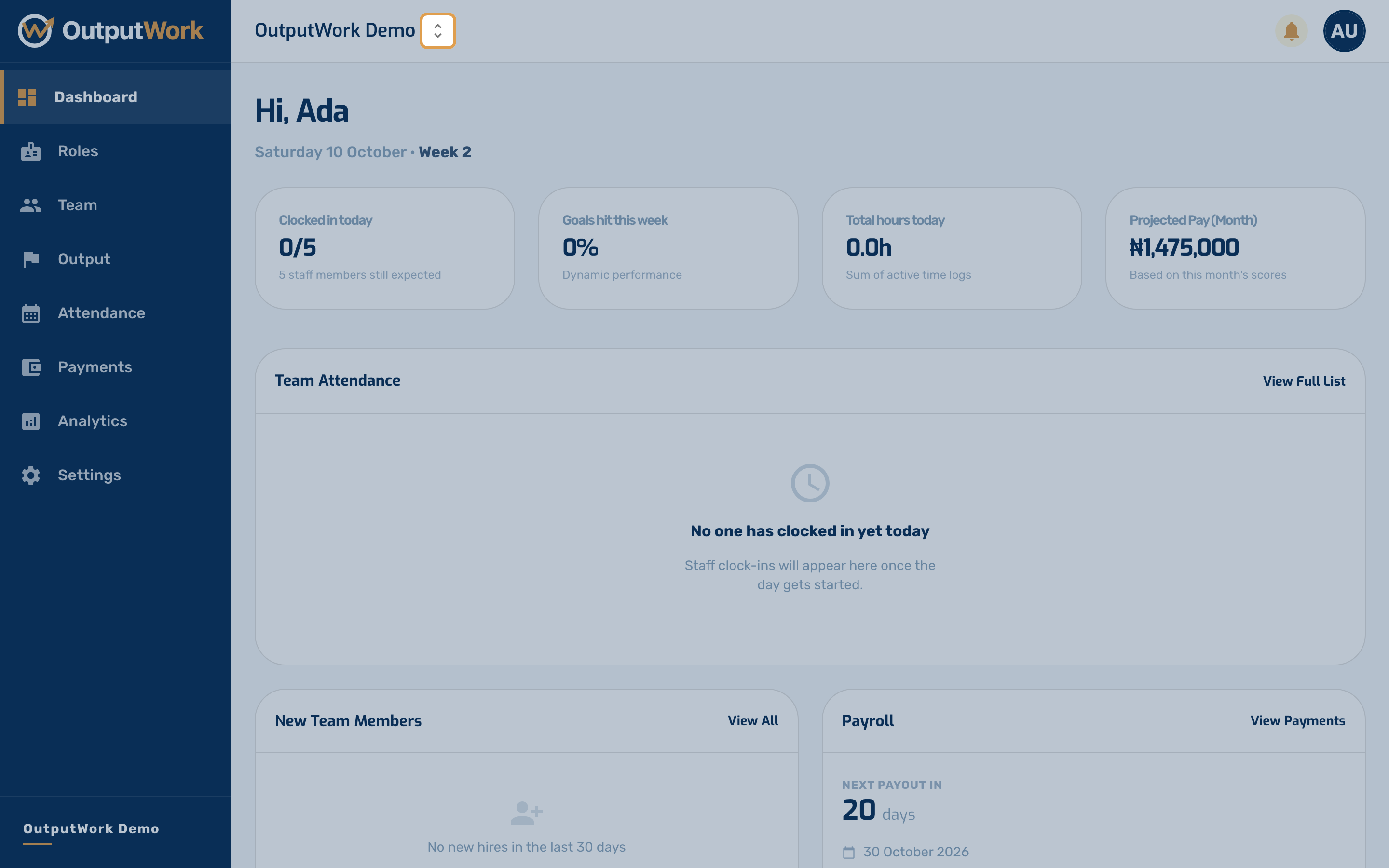
Step 2. Click it to see every company you belong to, with your role in each. Choose one to open it: as an owner or manager you get its admin workspace, as a team member your own.
The company is part of the page's address (app.outputwork.com/your-company/…), so you can have a different company open in each browser tab.
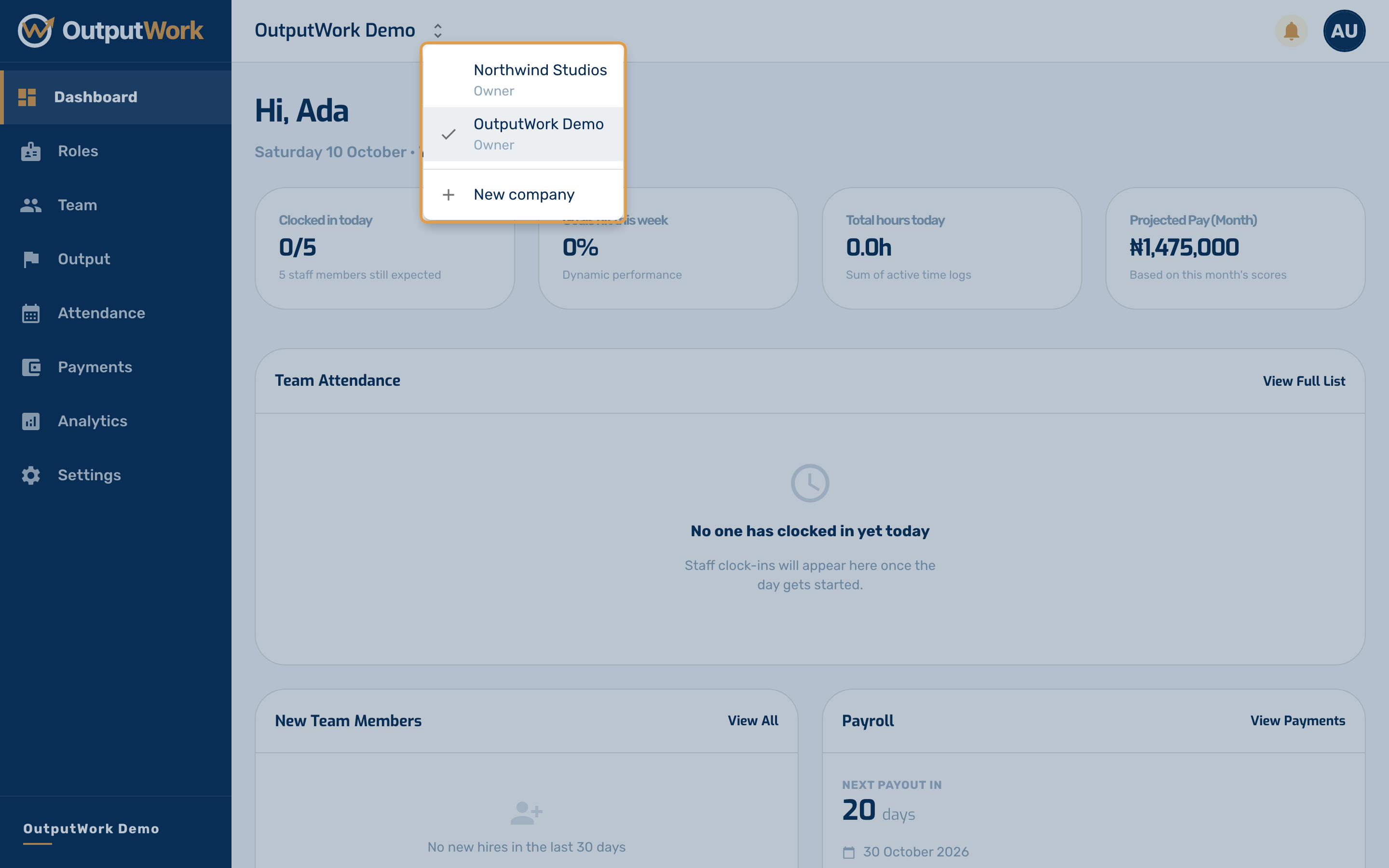
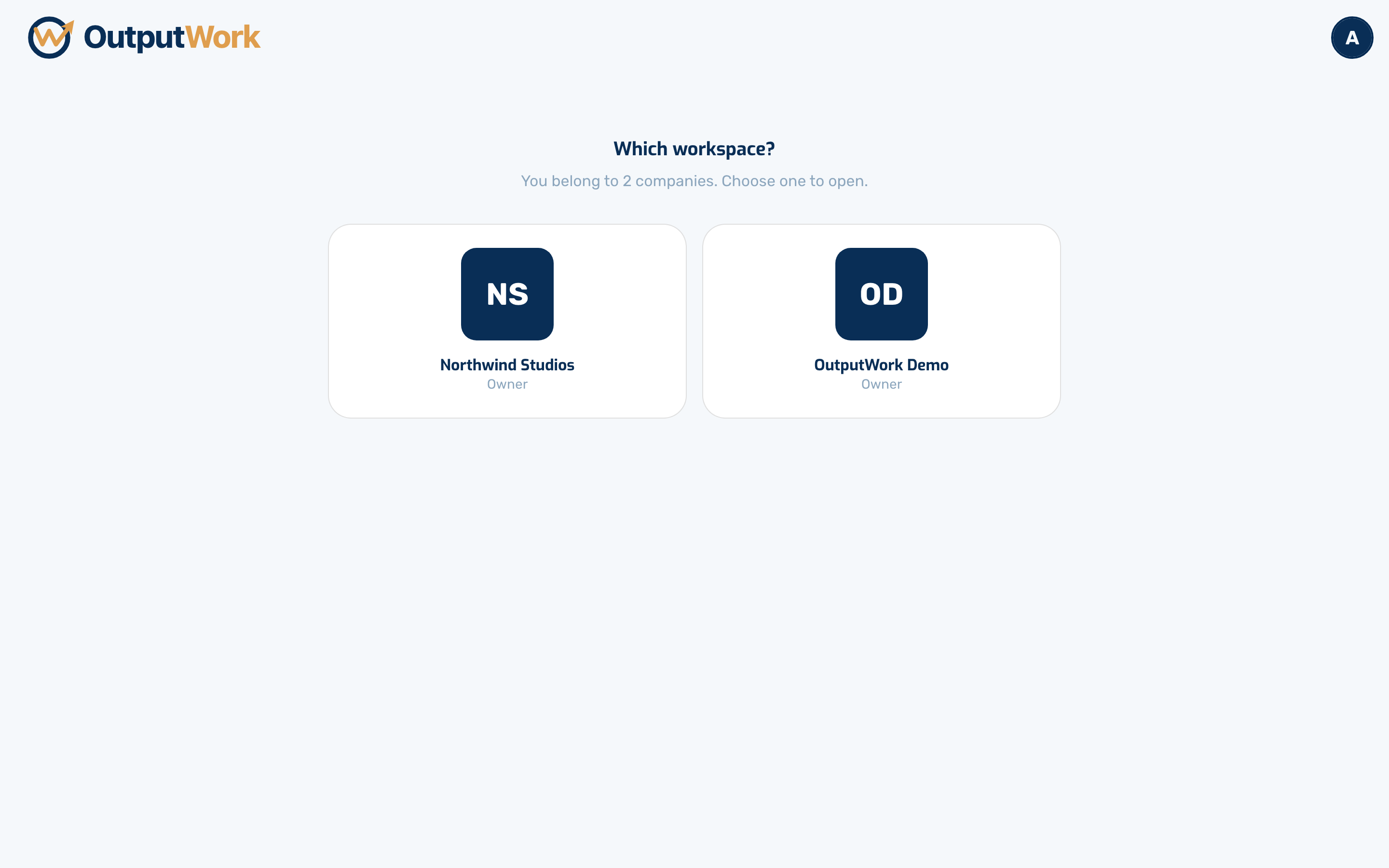
Step 3. When you sign in, OutputWork opens the company you last used on that browser, if you used it in the last 7 days. Otherwise, and the first time on a new device, it asks Which workspace?: choose the company to open.
Links in emails and WhatsApp messages always open the company they are about, whichever one you used last.