Business Hours & Late Rules
Set your organization's work schedule, shift hours, and late arrival grace windows.
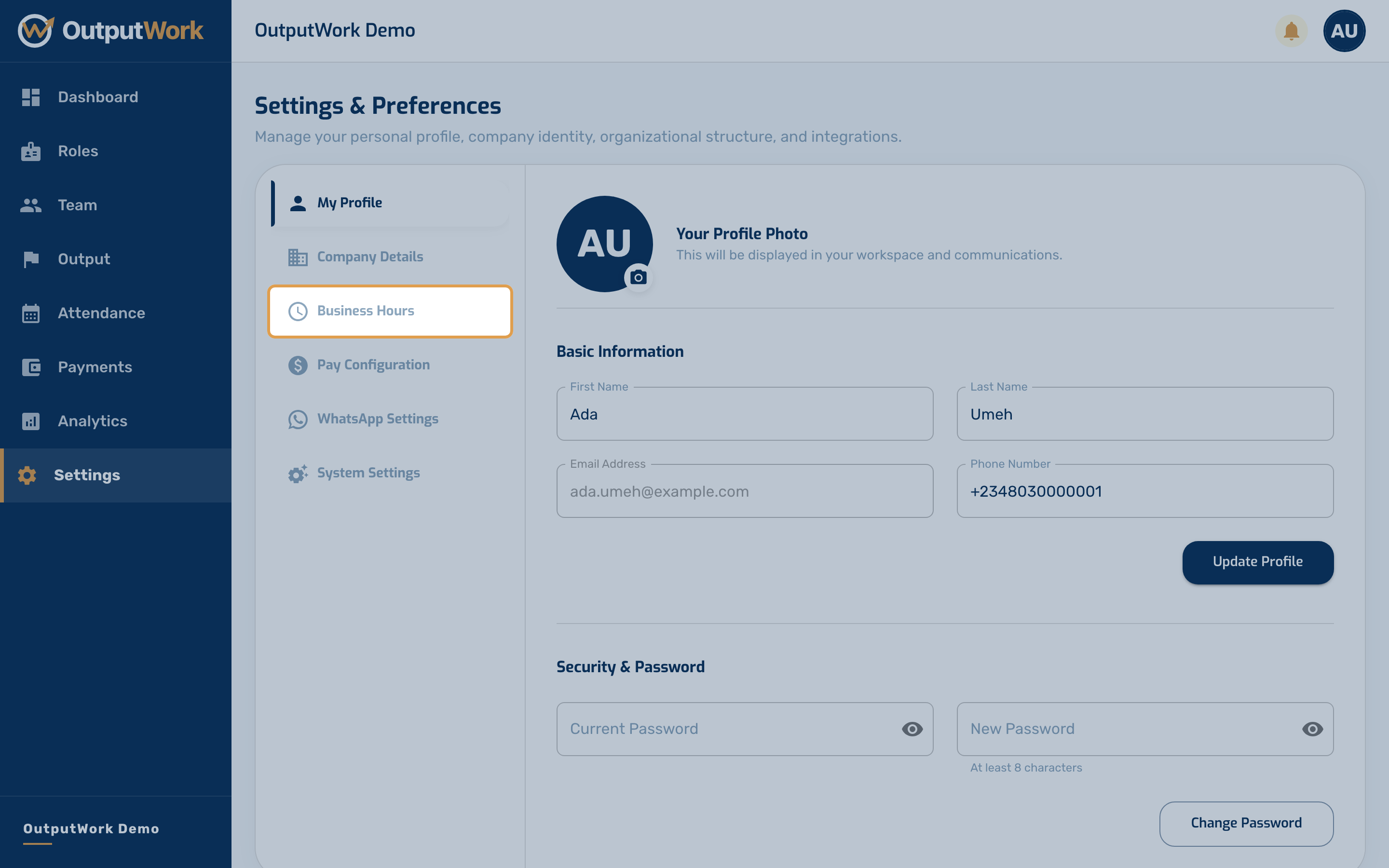
Step 1. Go to Settings from the sidebar and open the Business Hours section.
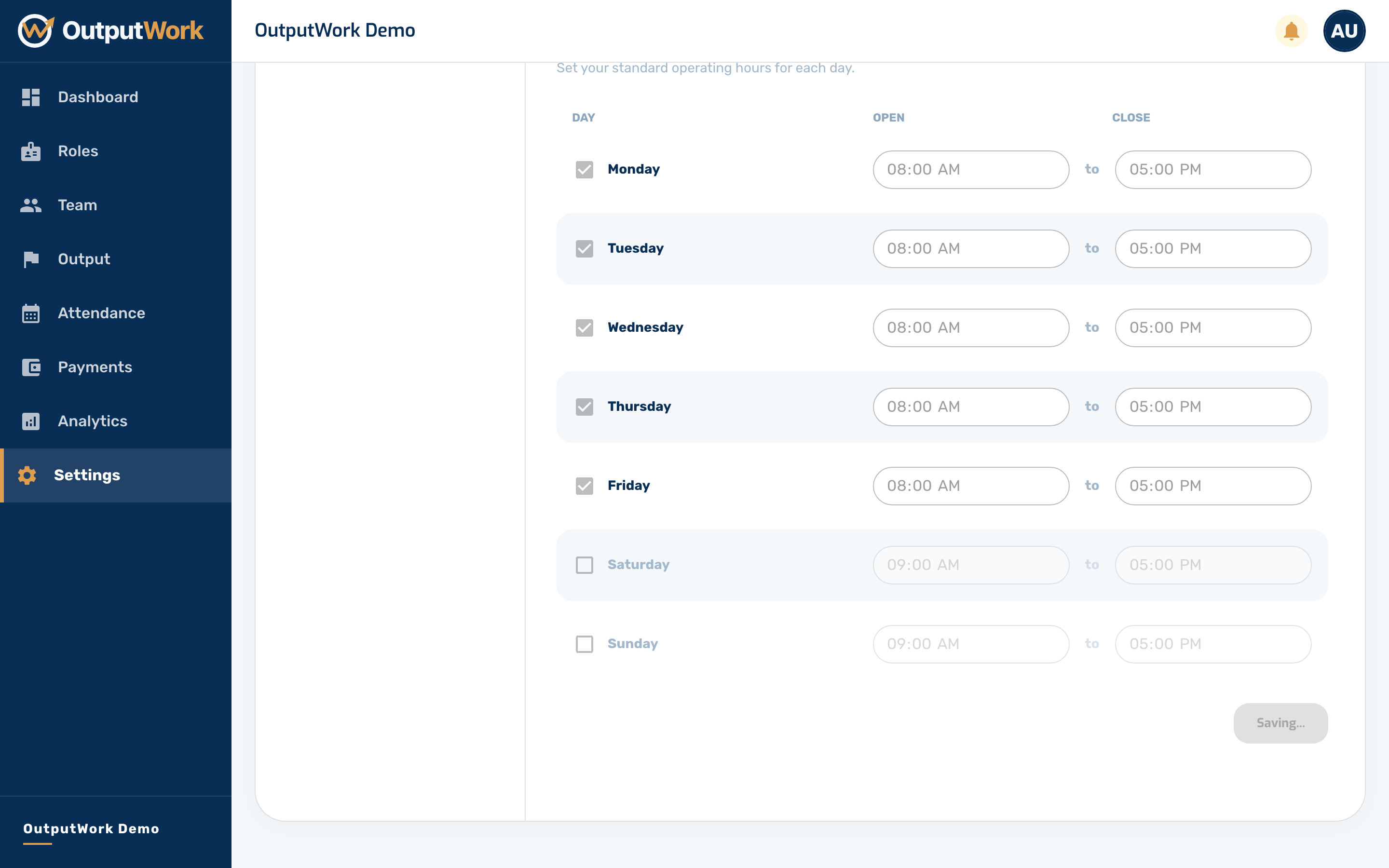
Step 2. Set your operating schedule across the working week:
- Working Days: Toggle which days of the week your team is expected to clock in
- Work Hours: Set standard start and end times (e.g., 08:30 to 17:30)
- Grace Period (Minutes), under Attendance Policy: how many minutes after the start time a clock-in still counts as on time (e.g., 15 minutes)
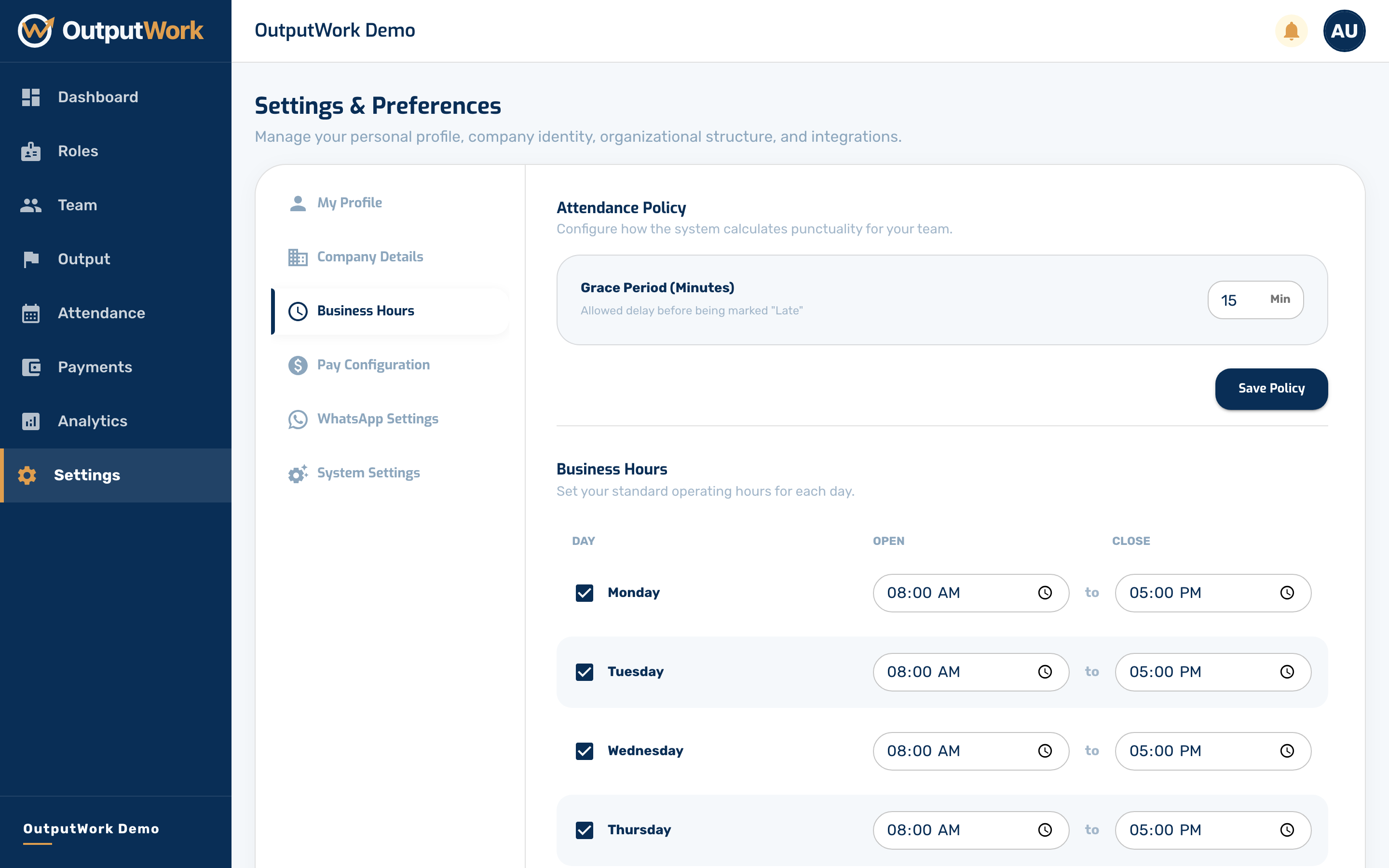
Step 3. Click Save Business Hours (and Save Policy for the grace period). OutputWork uses these to flag late arrivals on Attendance. Only a day's first clock-in can be late, so coming back from lunch never counts.
Lateness costs pay only if you choose so: turn on Deduct for Lateness under Settings → Pay Configuration. Until you do, it is shown but never deducted.