Finding Your Way Around
A tour of the admin dashboard and what each item in the sidebar does.
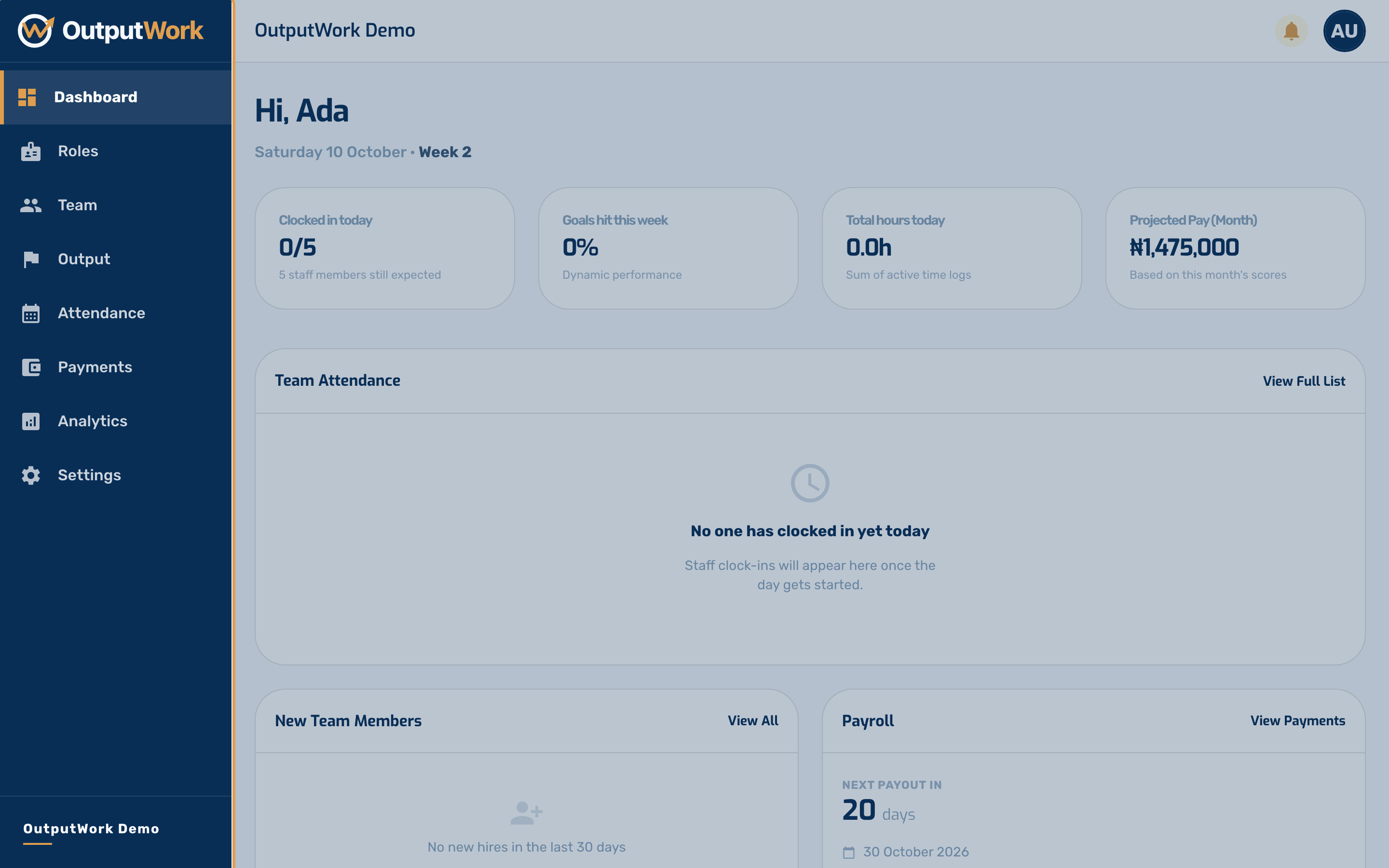
Step 1. Owners and admins land on the Dashboard. It answers "what is happening right now" in four numbers across the top — how many of your team have clocked in today, how goals are tracking this week, hours logged, and what this month's payroll is projected to cost.
Below that, Team Attendance lists today's clock-ins as they happen, and panels for new team members and upcoming payroll sit underneath.
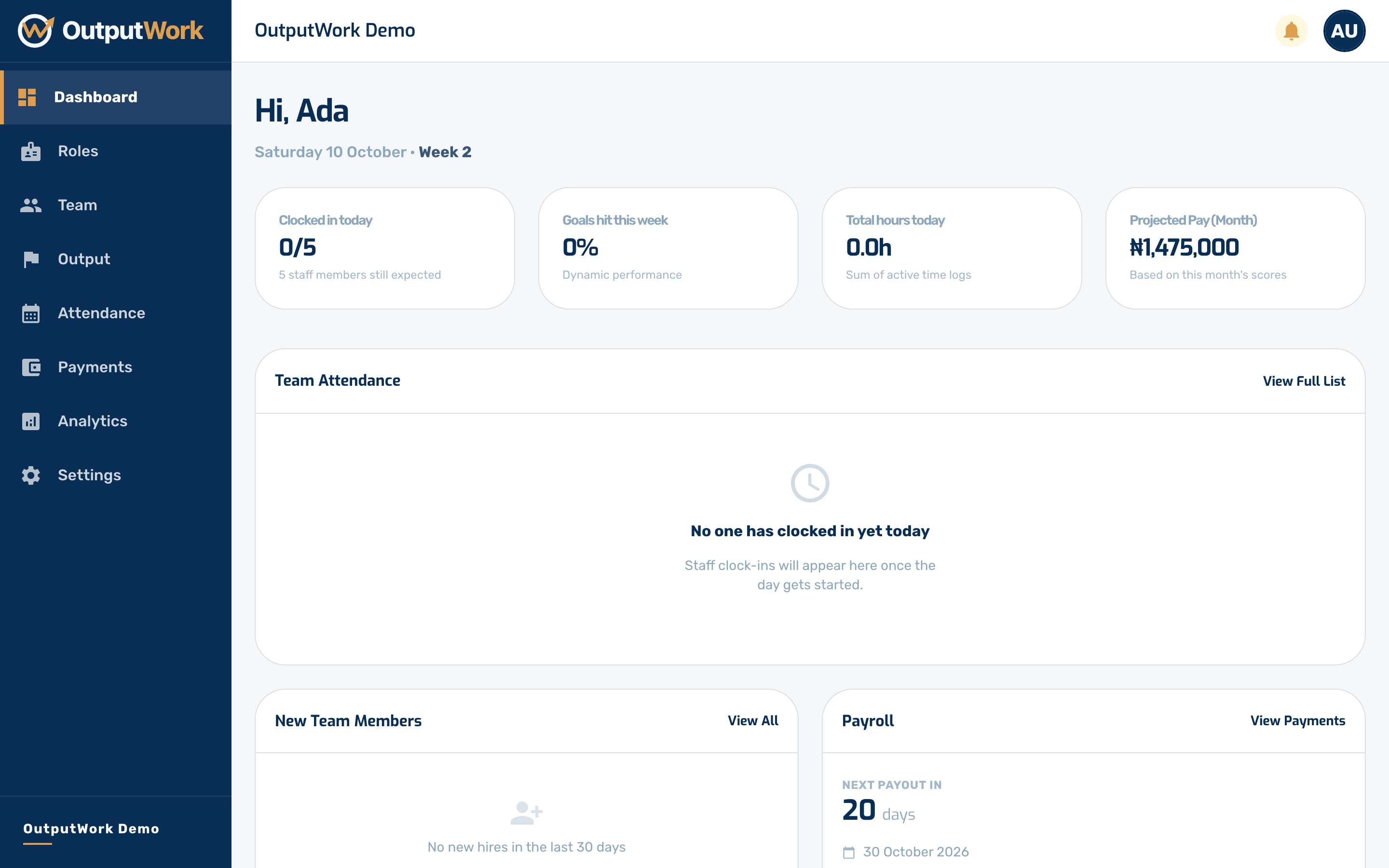
Step 2. Everything is reachable from the sidebar, and it is worth knowing what each one is for:
- Roles — job titles, the departments they sit in, their salaries, and the task and goal templates attached to them
- Team — the people in your organization; invite, edit and open anyone from here
- Output — work your team has submitted, waiting for you to approve or reject
- Attendance — clock-ins and clock-outs, with late arrivals flagged
- Payments — generate payroll and move it through to paid
- Analytics — performance, attendance and payroll trends across the organization
- Settings — your company details, business hours, pay rules and WhatsApp