Pay Configuration & Lateness
Decide who sees their pay, how performance moves it, and whether lateness costs anything.
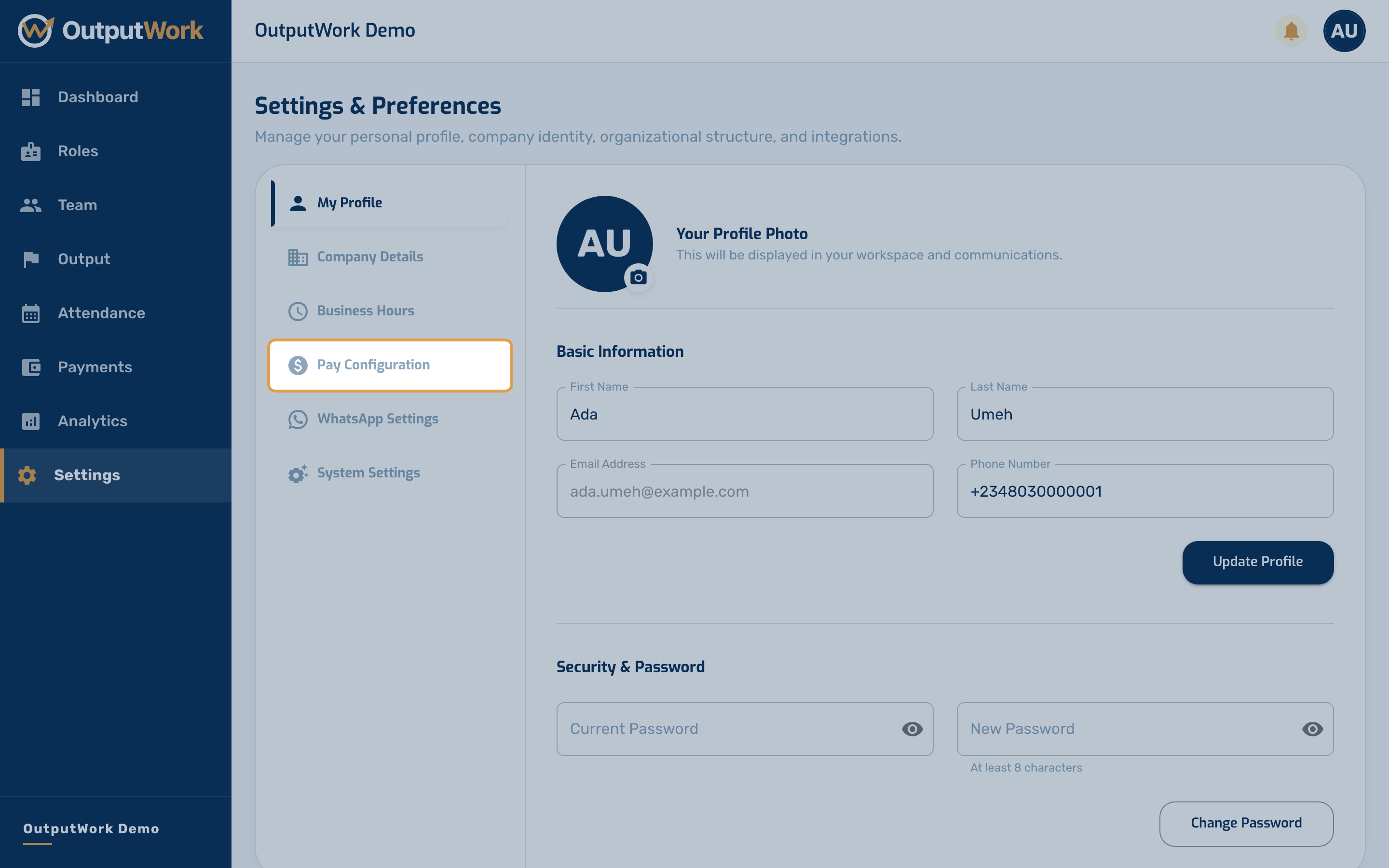
Step 1. Under Settings, open Pay Configuration. These are the rules payroll follows when you generate it under Payments. Only the organization's owner can change them; admins see them but cannot edit.
Step 2. Set how pay works in your organization:
- Staff Pay Visibility: when off, staff can't see their own Pay, Projected Pay or Pay History. Owners and admins are unaffected.
- Link Performance Score to Pay Payouts: when on, each person's pay moves with their performance score, using the multipliers below. When off, everyone is paid their role's full salary, with no performance bonus or reduction.
- Base Pay Multiplier (%): the share of salary paid for a score below 50%.
- Mid Pay Multiplier (%): the share paid at a score of 80%.
- Overage Rate (%): the extra reward for each 1% of score above 100%.
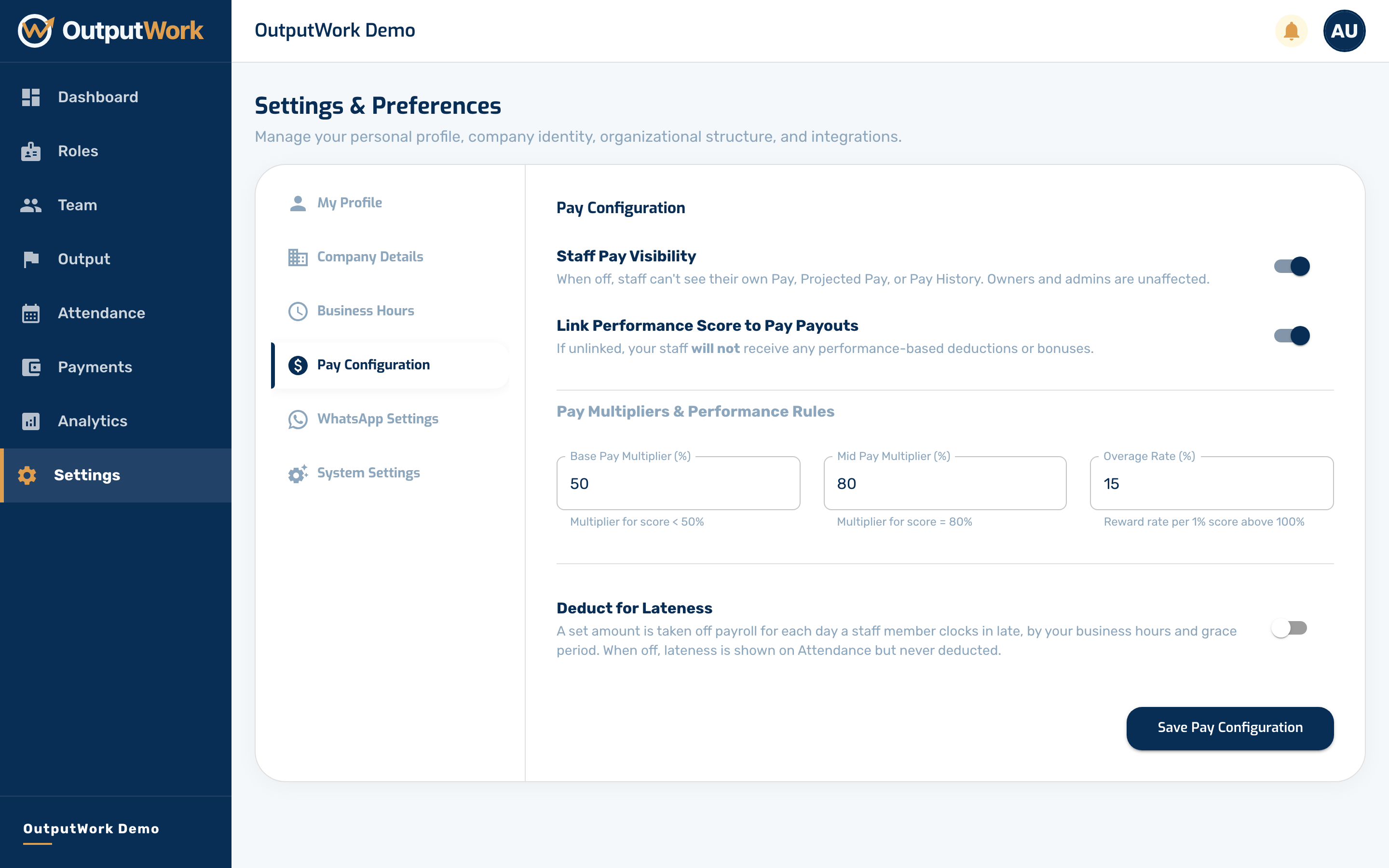
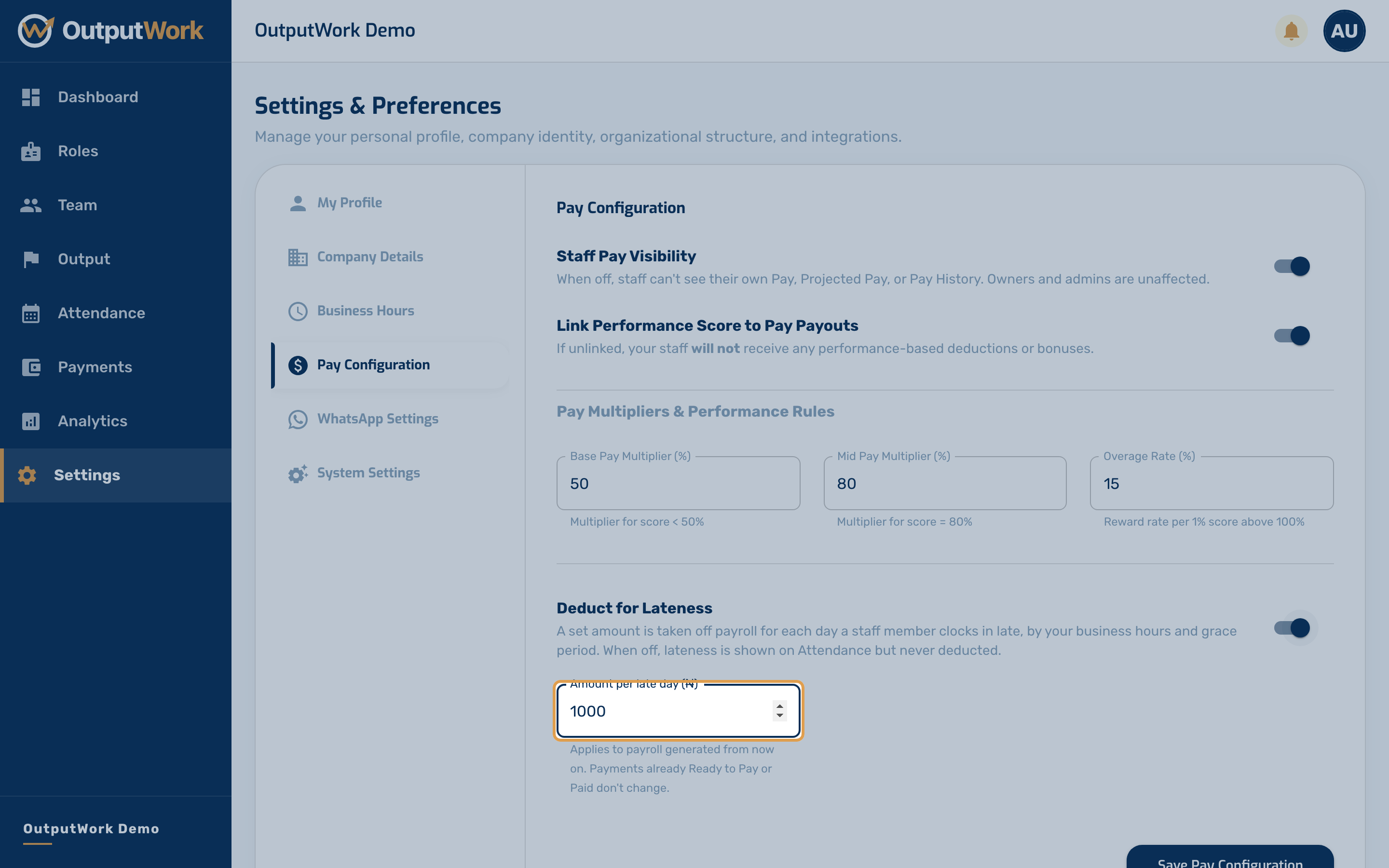
Step 3. Deduct for Lateness is off until you turn it on — until then, lateness is shown on Attendance but never costs anyone pay.
Turn it on and enter an Amount per late day (₦). Payroll then takes that amount off for each day a person clocked in late, judged by your Business Hours and grace period. Only a day's first clock-in counts, so a return from lunch is never a late day.
It applies to payroll you generate from then on; payments already Ready to Pay or Paid don't change. Your team sees it too: My Pay shows a Lateness line with their late days and what they cost.
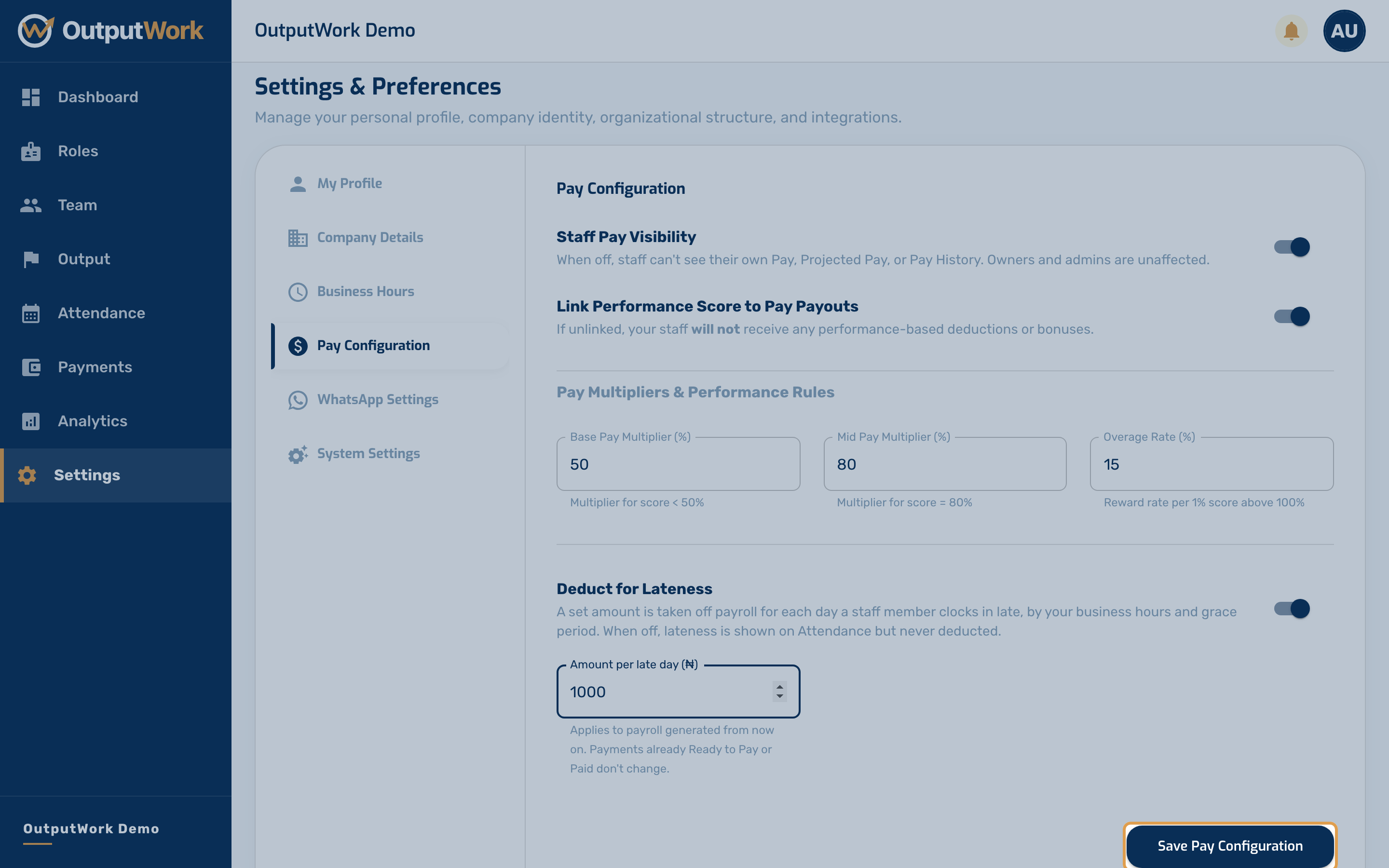
Step 4. Click Save Pay Configuration. The next payroll you generate under Payments follows these rules.
Troubleshooting & Payout Rules
- Bank Account / Paystack Subaccount Missing: The organization must connect and verify a valid Nigerian bank account or Paystack subaccount under Settings > Pay Configuration before payouts can be disbursed.
- Owner-Only Access: Only the Organization Owner can modify pay configuration and bank account details. Managers and admins have read-only access.
- Payday Schedule: Salaries and performance bonuses calculate on the scheduled payday based on approved attendance and task scores.