Starting Another Company
Open another company with the same sign-in.
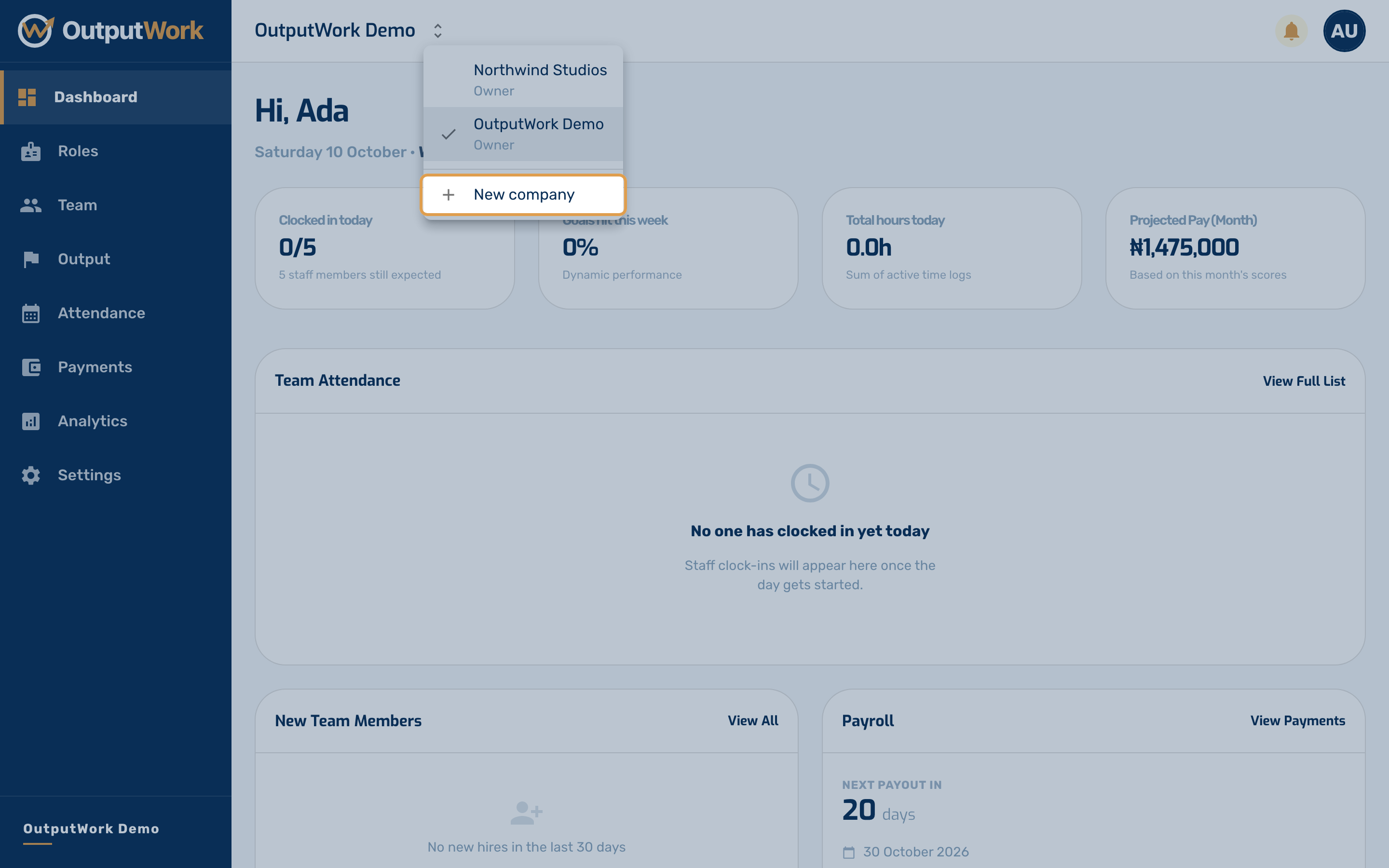
Step 1. As an owner, you can open another company with the same sign-in: a second business, say. Open the menu beside your company's name at the top of the page and choose New company.
Only owners see New company. Managers and team members don't.
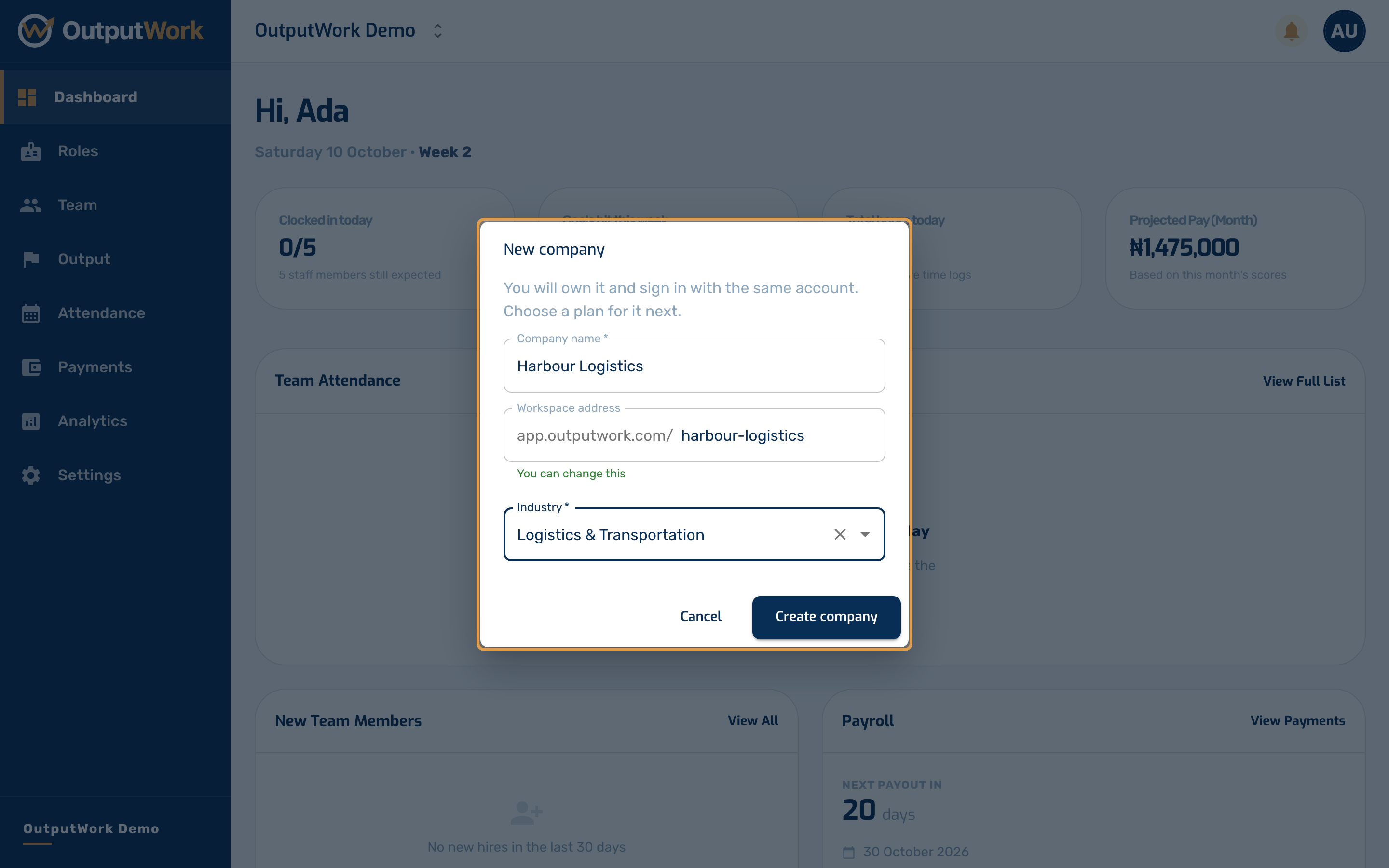
Step 2. Enter the company's name. OutputWork suggests its workspace address, the part of its links after app.outputwork.com/, which you can change. Choose its industry, then click Create company.
Step 3. The new company opens on Choose your workspace plan. It has its own plan and billing, separate from your first company's, so choose a plan for it just as you did the first time (see Choosing Your Plan).
You are its owner. Invite its team from Team as usual. Your first company doesn't change, and the switch menu now lists both (see Working in Several Companies).