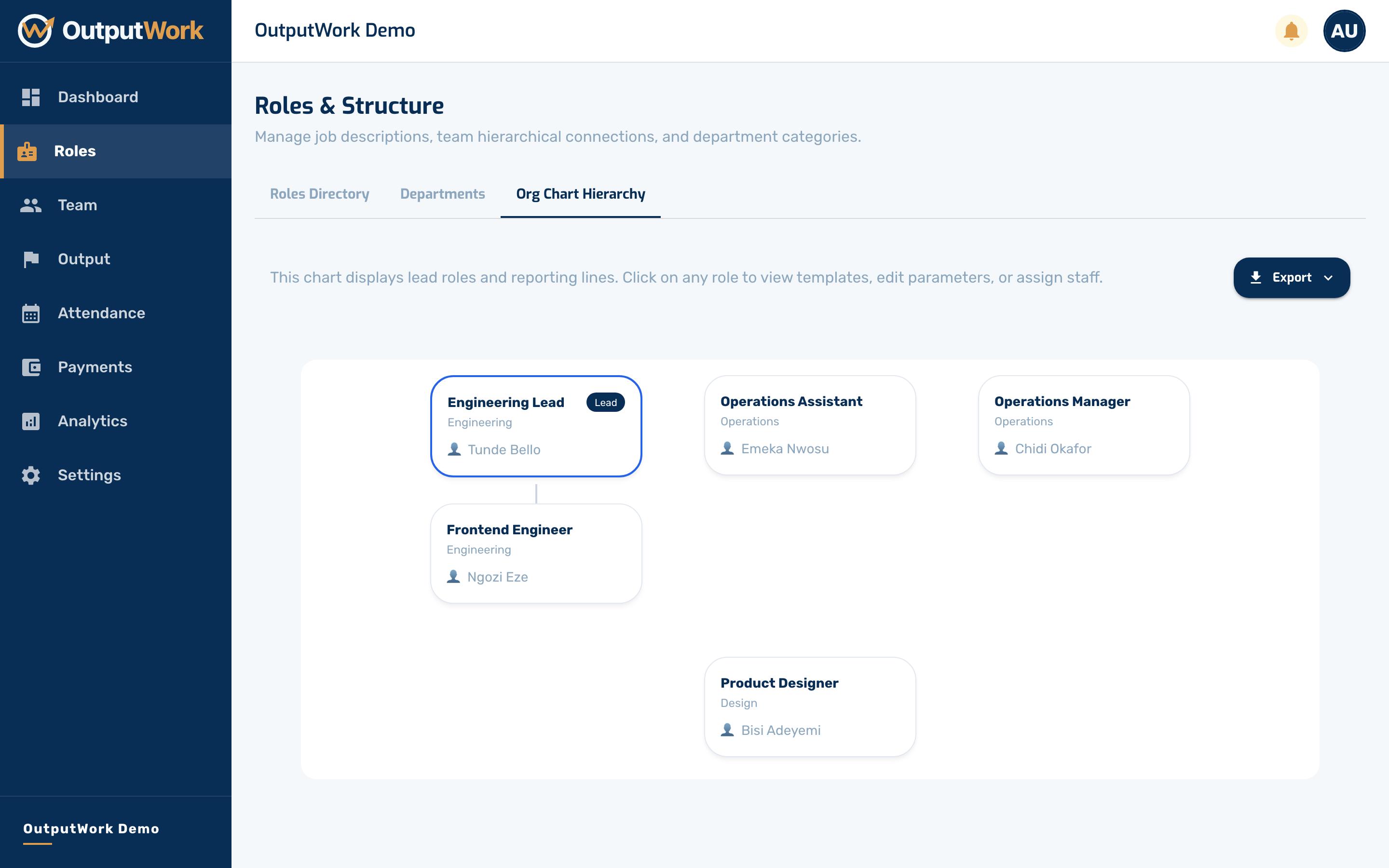
Seeing Your Reporting Structure
View how your roles connect, and who reports to whom.
Step 1. On Roles, the third tab is Org Chart Hierarchy.
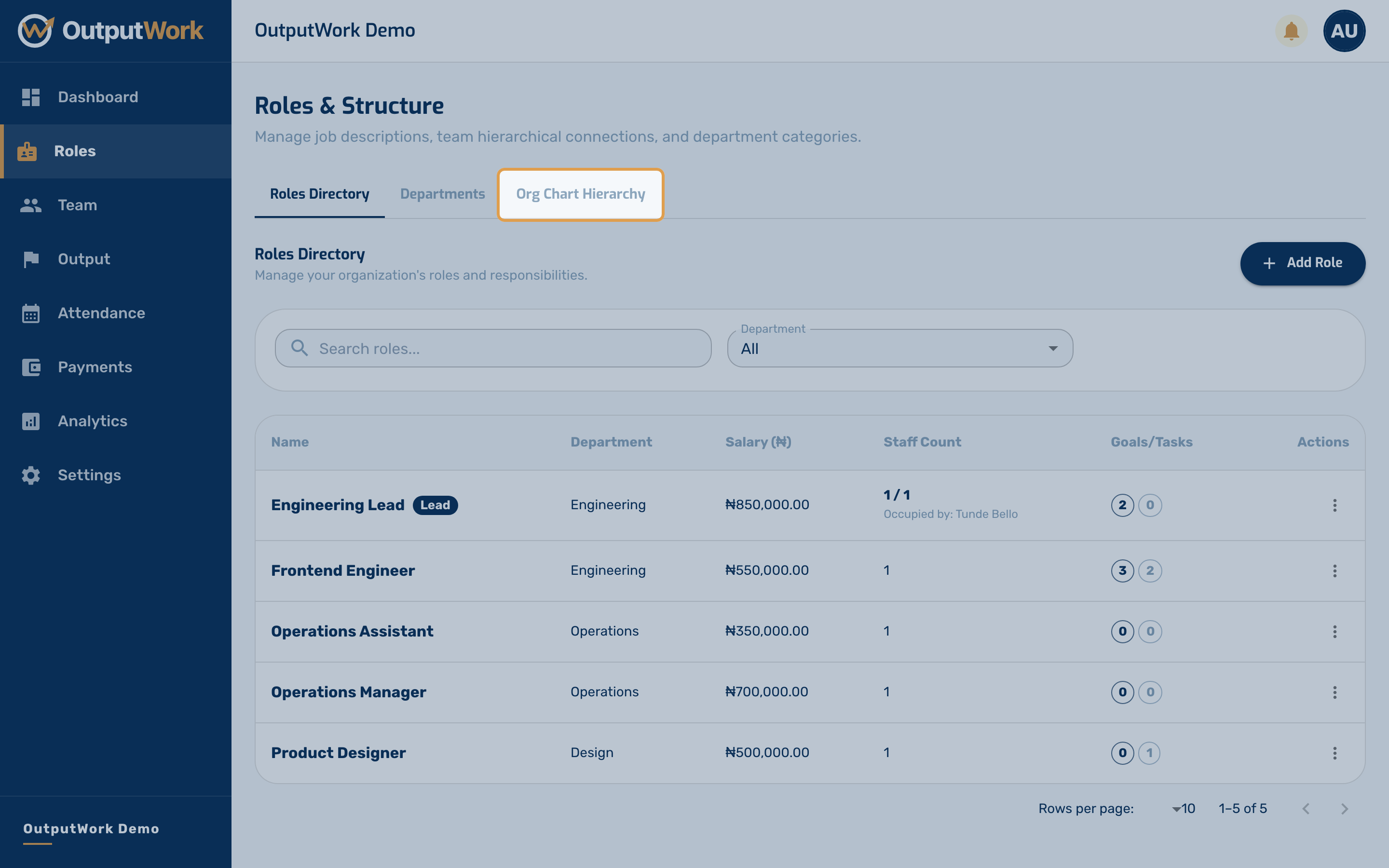
Step 2. This draws your roles as a tree, built from the parent lead role you set on each one. It is worth checking after you have added a few roles, because it shows the reporting structure you have actually created rather than the one you meant to.
The structure is not decoration — it decides who reviews whose work. Whoever occupies a lead role can see and approve submissions from everyone beneath them, and gets a My Team page that other team members do not. A role with no parent is reviewed by owners and admins only.