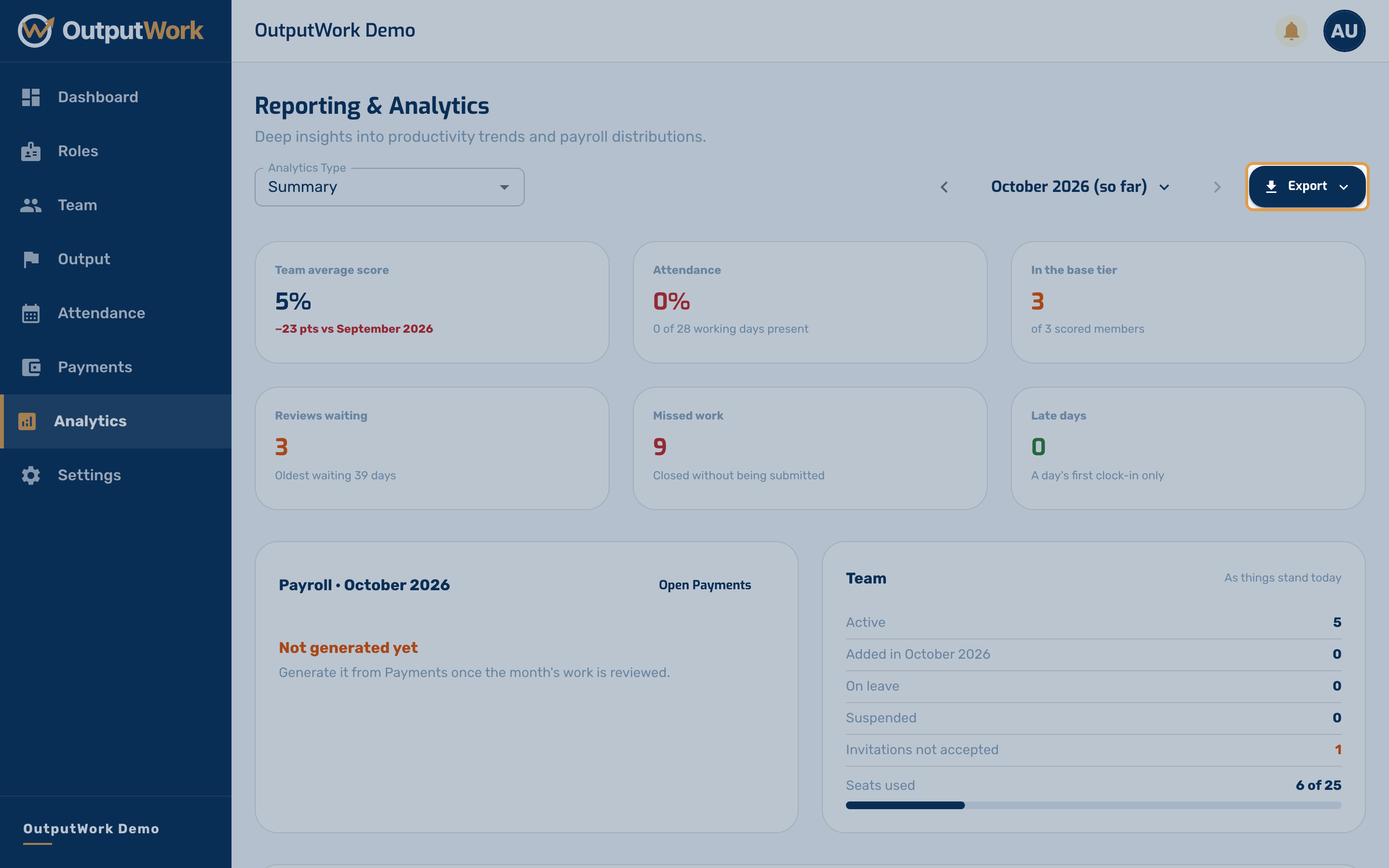
Analytics and Reports
See performance and payroll trends across your whole organization.
Step 1. Reporting & Analytics steps back from individual submissions to the whole organization. Use the Analytics Type selector to switch between three views:
- Performance — how scores are trending, by person and by department
- Attendance — days present and average clock-in time, so patterns show up rather than single late days
- Payroll — where the money is going, broken down by base pay, bonuses and deductions
Each can be filtered by department, which is the quickest way to compare teams.
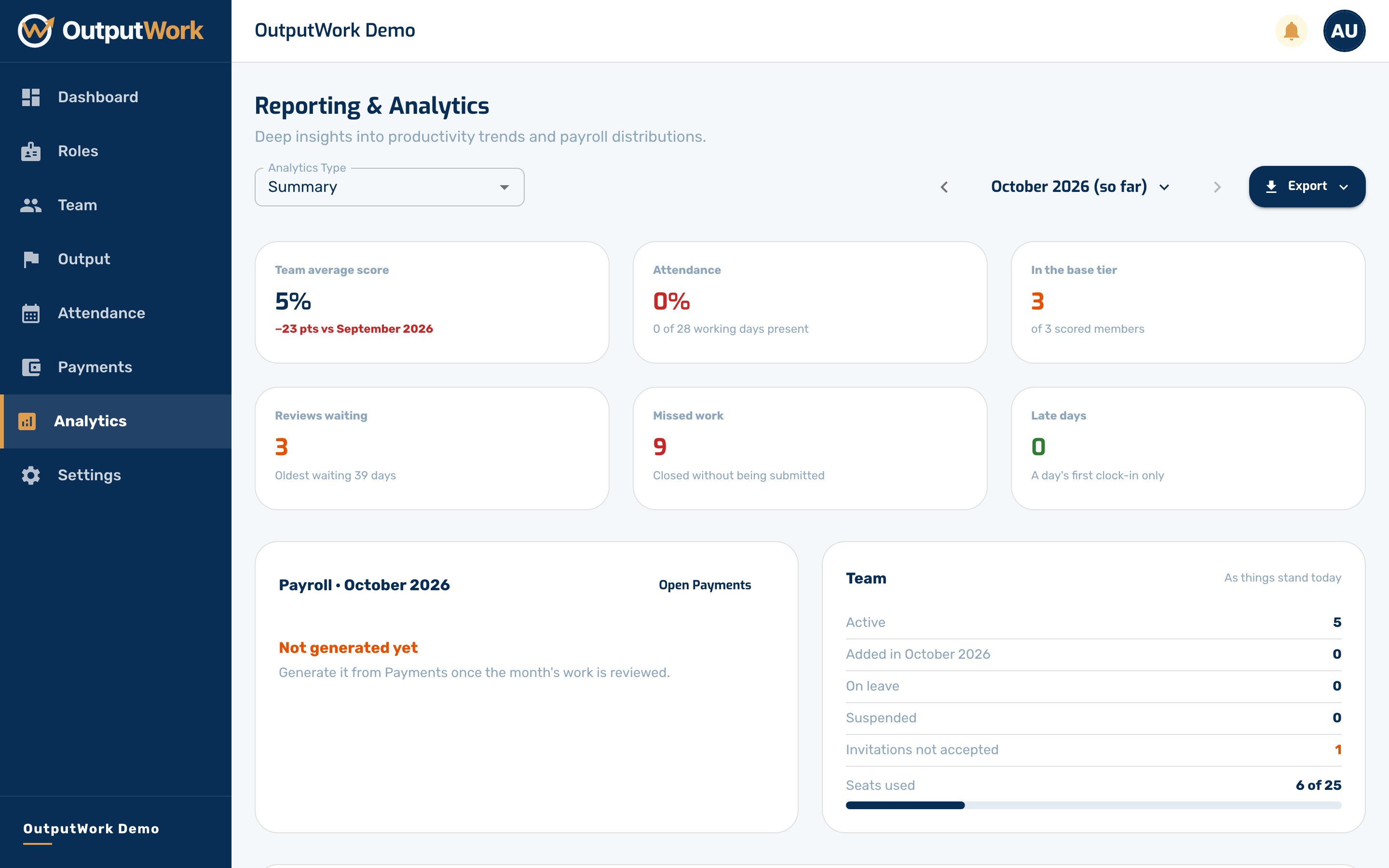
Step 2. Use Export to take the underlying figures away as a spreadsheet or PDF — useful for a board pack, or for reconciling payroll outside OutputWork.