Checking Attendance
Review who clocked in, when, and who was late.
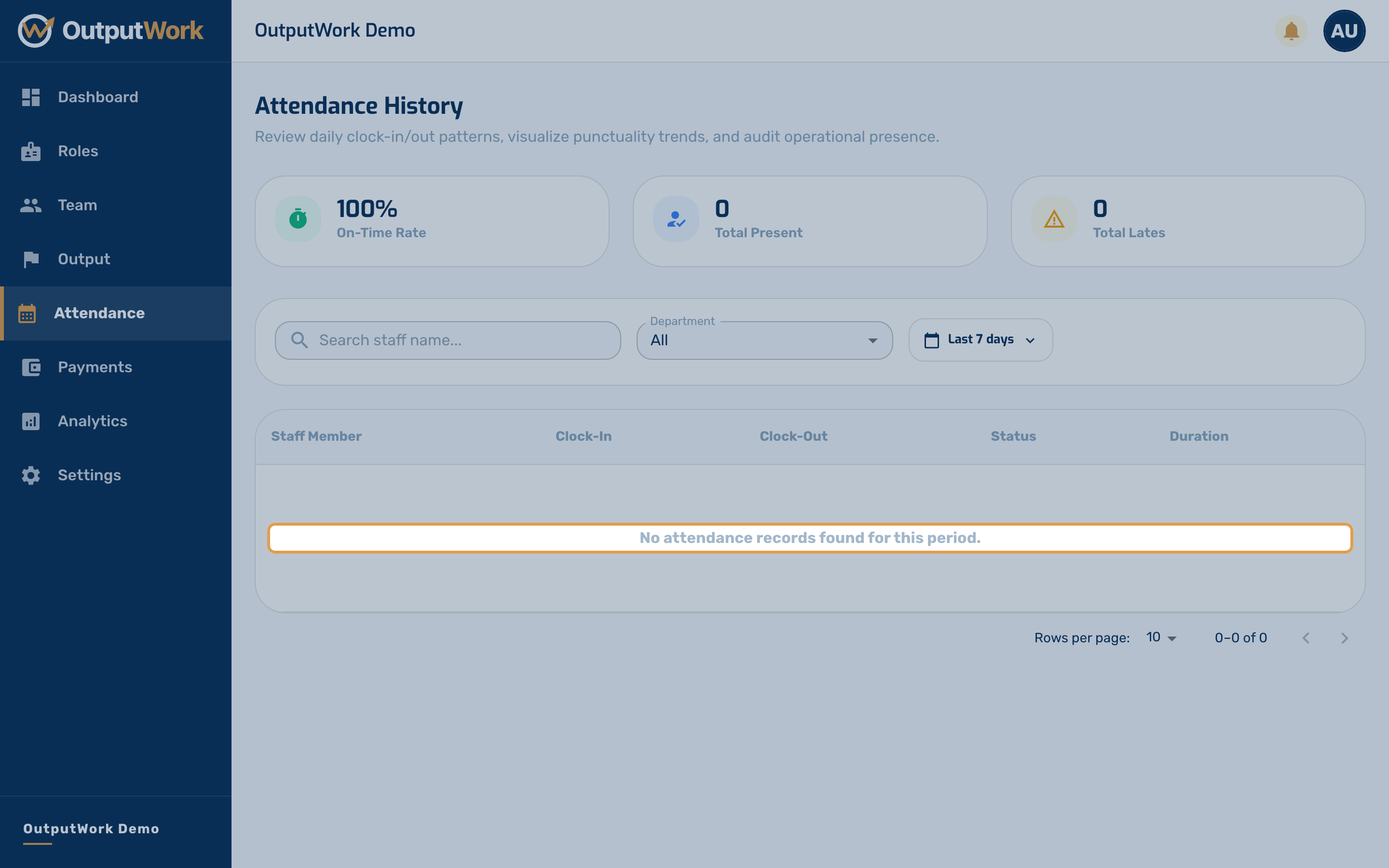
Step 1. Attendance History is every clock-in and clock-out across your team in one table. Each row shows who, which day, the times in and out, and the hours that adds up to.
Whether someone counts as late is not a fixed rule — it is measured against the start time and grace period you set under Settings → Business Hours. Change those and this page re-reads against the new values.
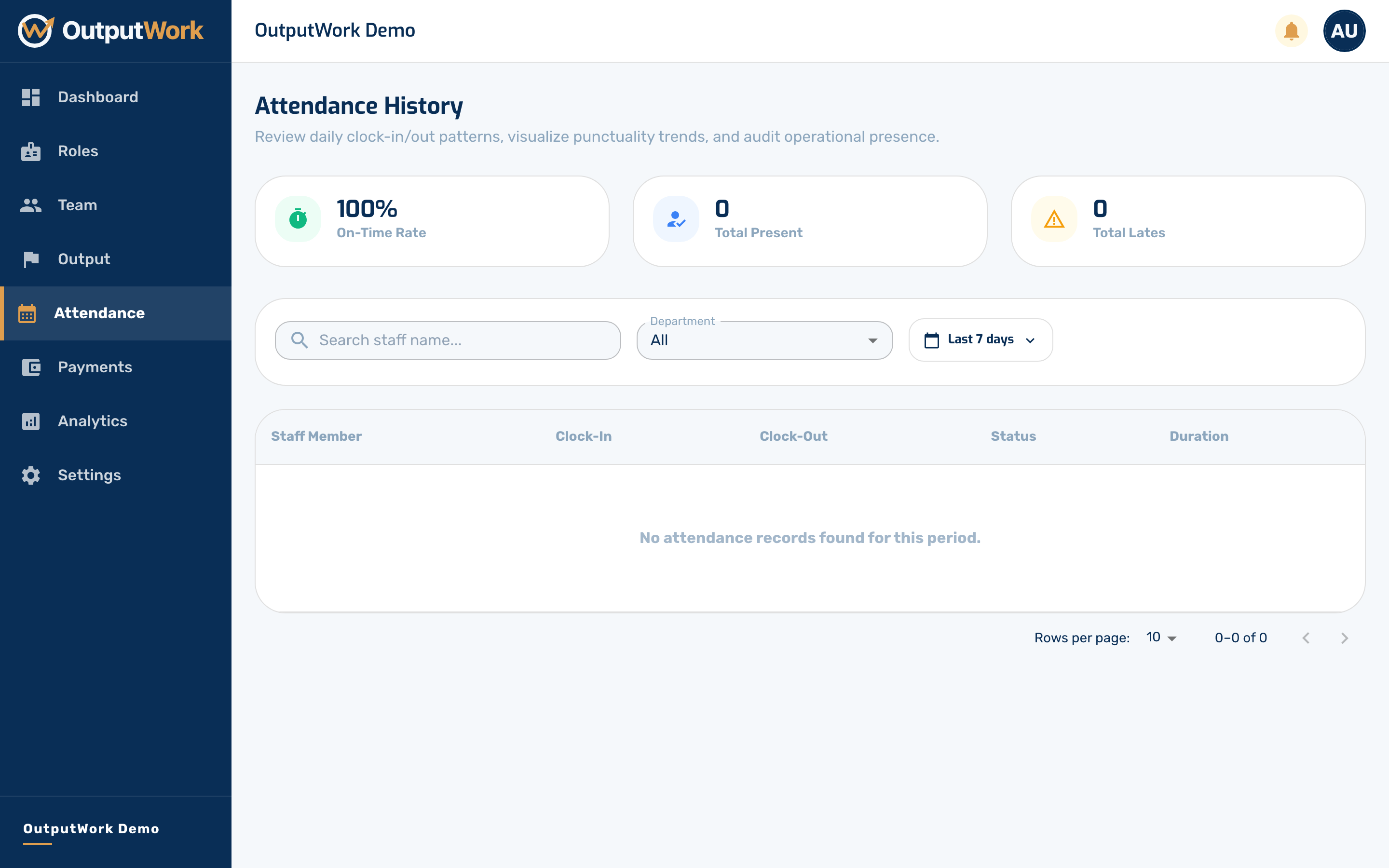
Step 2. Use the Period filter to move between days, weeks and months rather than scrolling. It is the quickest way to answer the two questions this page usually gets opened for: who was late this week, and who has not clocked in at all.
Lateness costs pay only if you have turned on Deduct for Lateness under Settings → Pay Configuration. Then each late day is what produces the Deductions column on Payroll & Payments; otherwise that column stays at zero.