Reviewing Submitted Work
Approve or reject what your team submits.
:::info Enterprise plan
Goals are part of the Enterprise plan. On the SME plans this section is not shown, and your Output page has Tasks and History tabs only.
:::
Step 1. Output is where submitted work waits for you. On the Enterprise plan you get Goals, Tasks and History tabs; on the SME plans, Tasks and History.
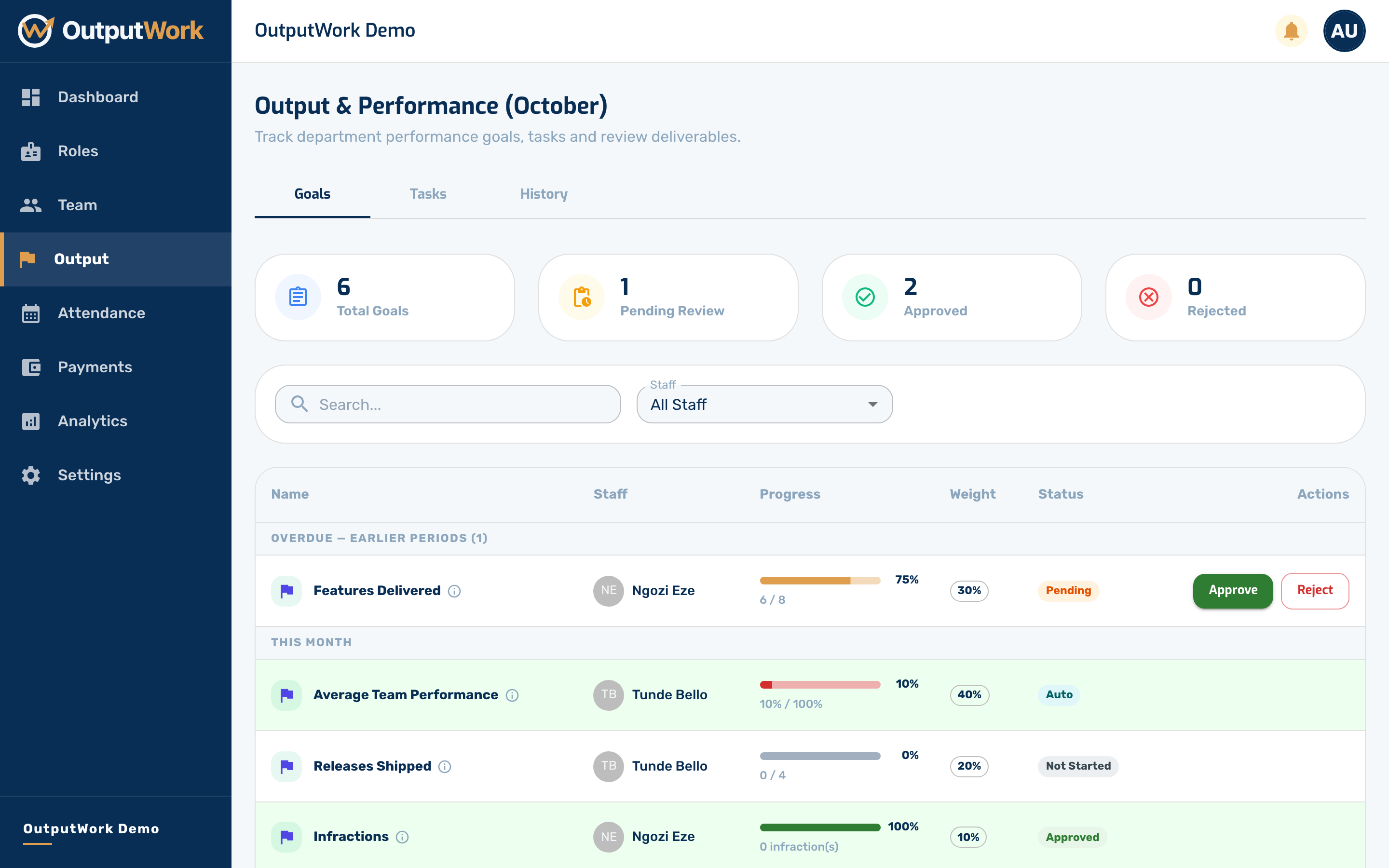
Step 2. The Tasks tab lists everything submitted this period, with who submitted it and what they reported. Approving it feeds straight into that person's score.
Only work that needs review waits here. A task set to Never need review, or one submitted without asking for review, is approved as it is submitted.
Work submitted before its period ended but not yet reviewed stays here, under Overdue — earlier periods, so you can still approve or reject it. A task nobody submitted can't be reviewed: it shows as Incomplete in History.
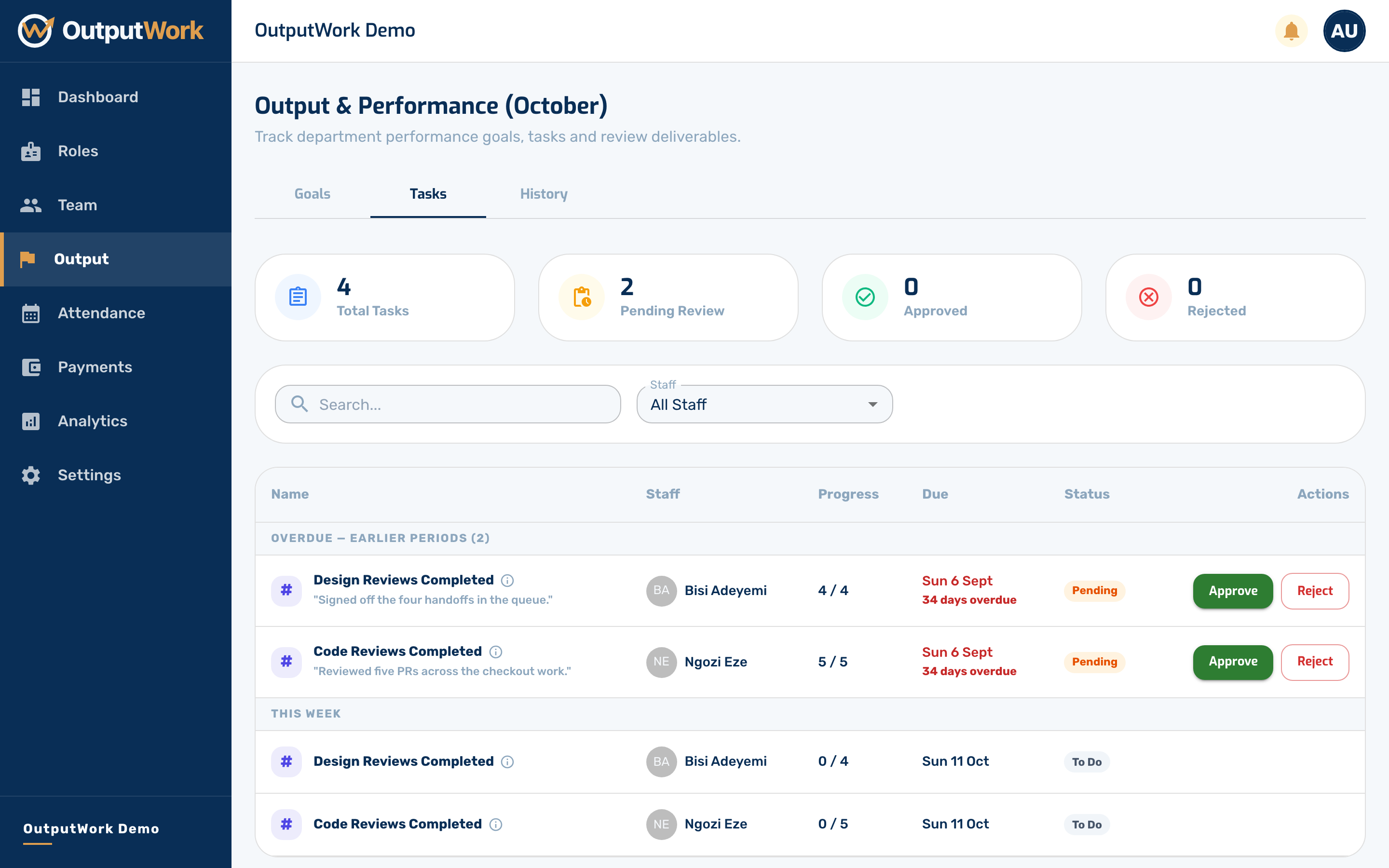
Step 3. Approve accepts the work. It leaves the pending list straight away and feeds into that person's score for the month.
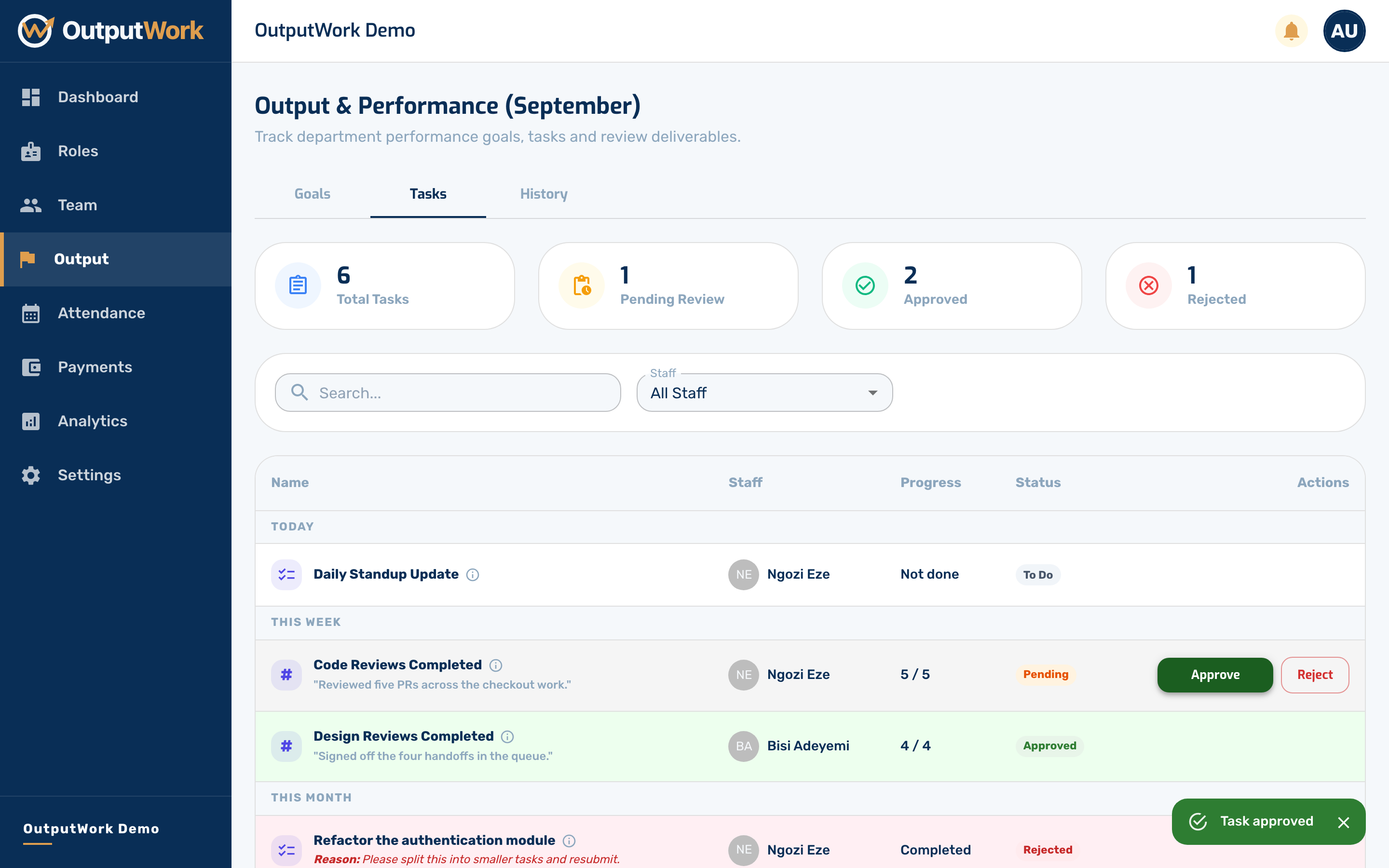
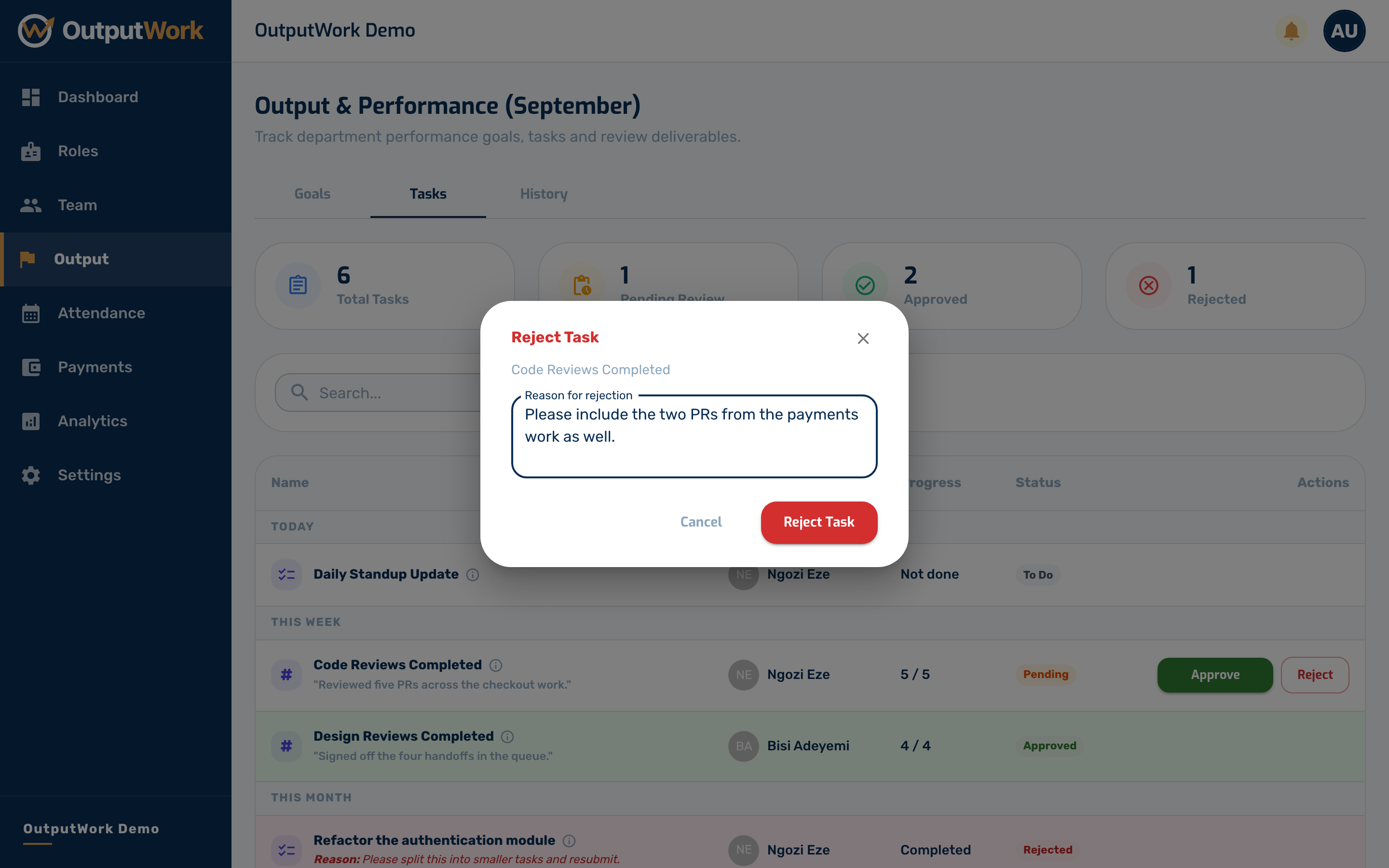
Step 4. Reject asks you for a reason. The reason is shown to the person who submitted it, so they can fix the work and submit again.
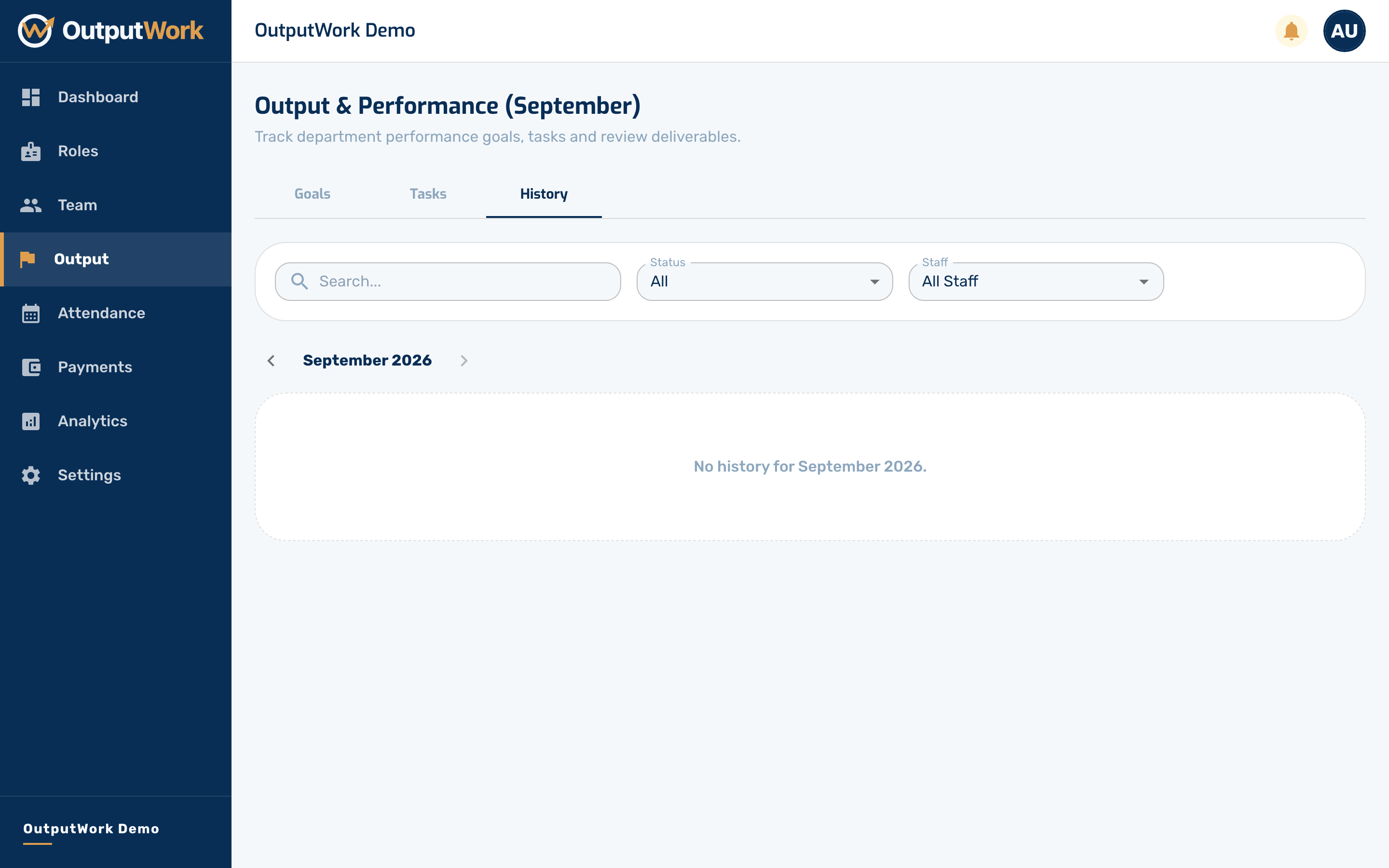
Step 5. History is the record of previous months — approved in green, pending in orange, rejected in red.