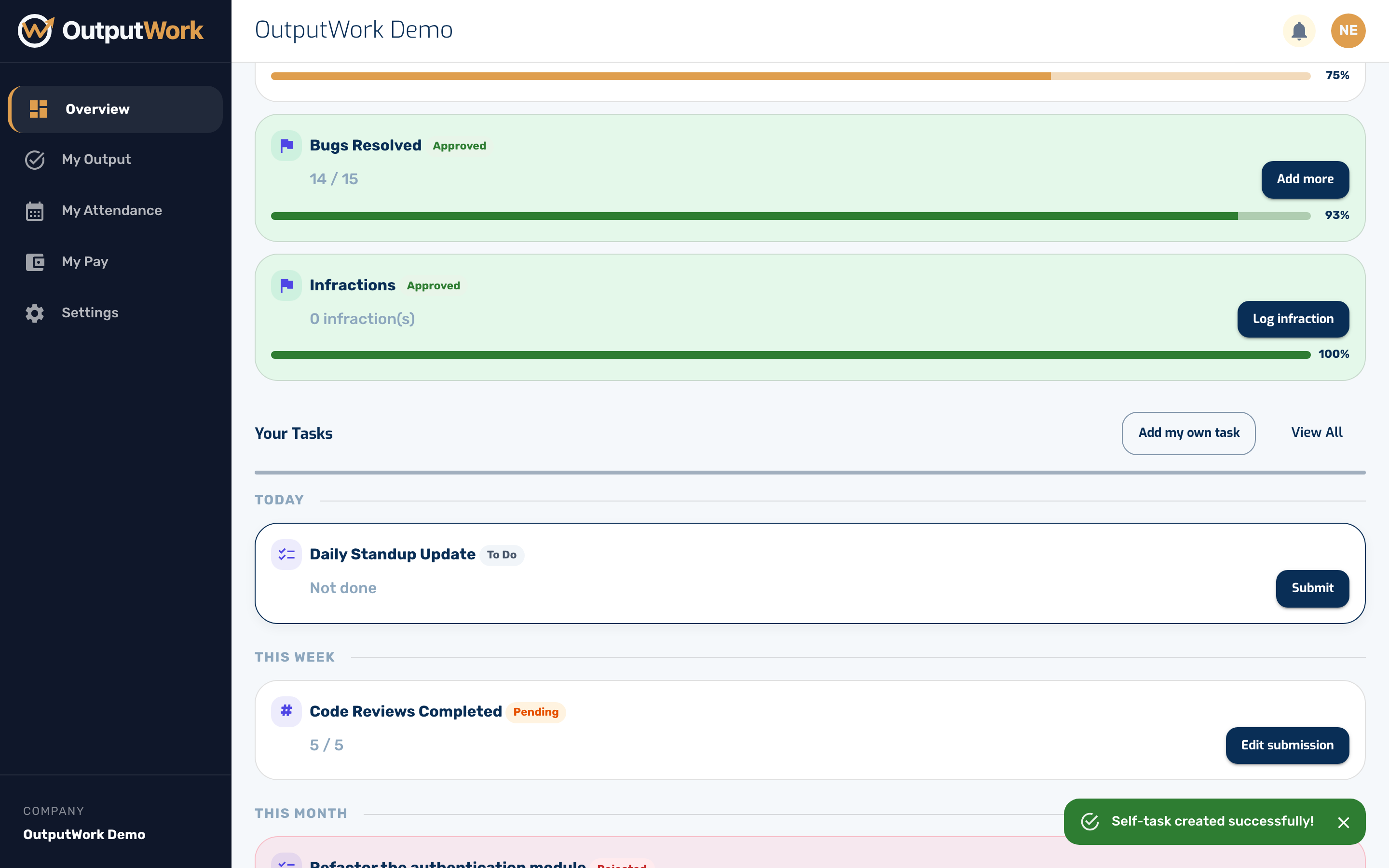
Adding Your Own Task
Track work that isn't covered by your role's templates.
Step 1. Not everything you do comes from a template. Click Add my own task to add something yourself.
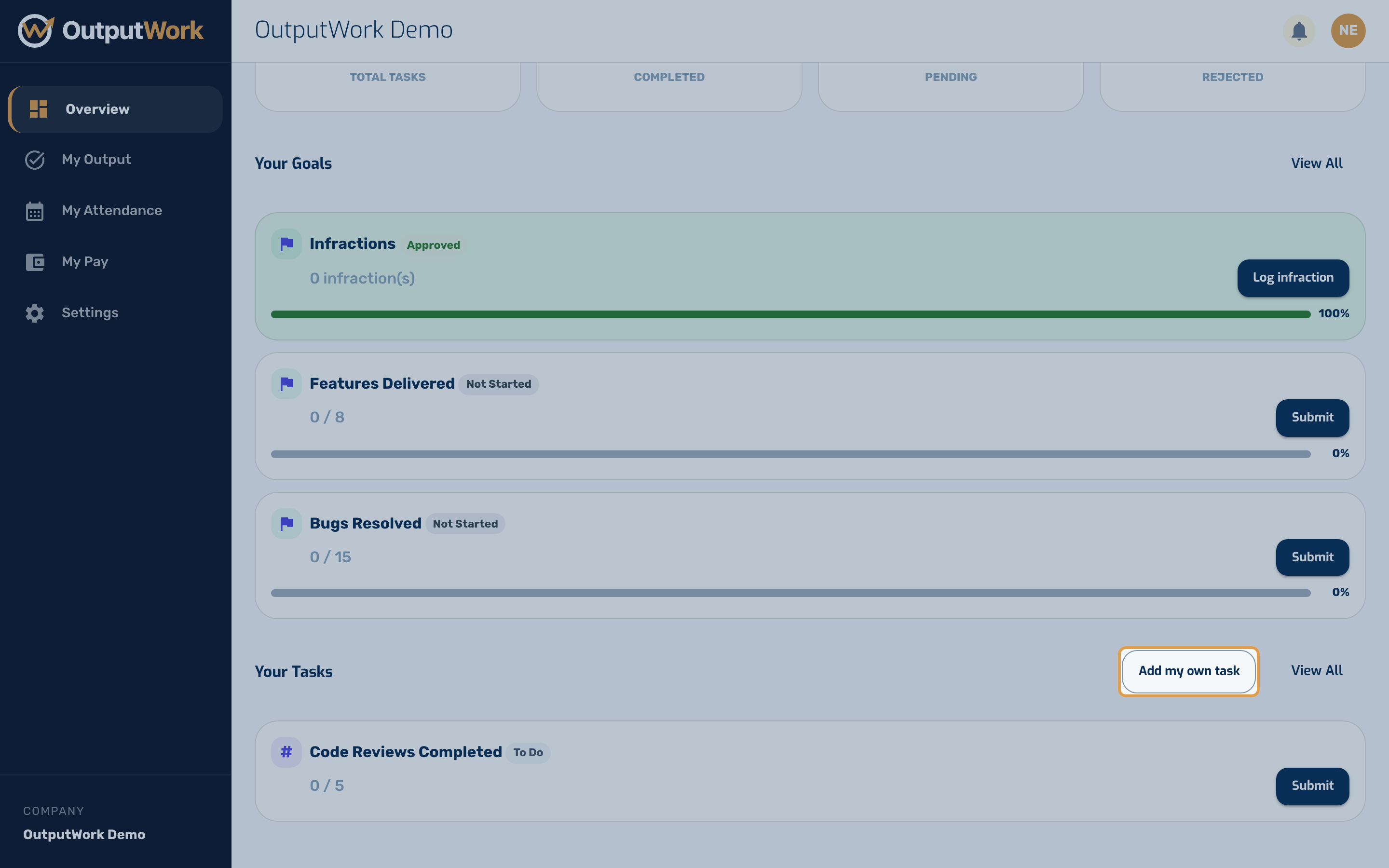
Step 2. Give it a name and description, and choose whether it is a Done/Not Done task or one measured by a number. Then click Add Task.
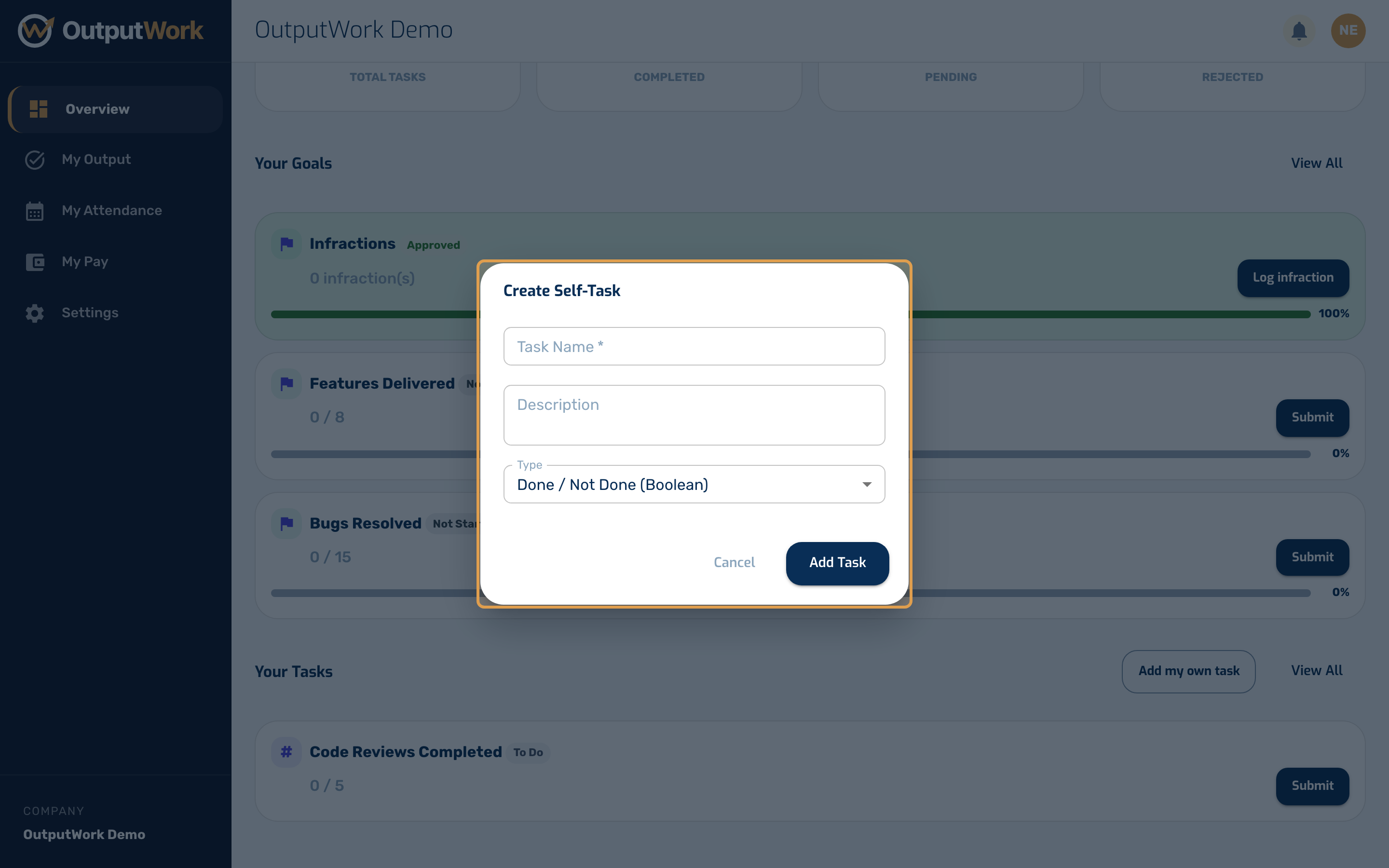
Step 3. Click Add Task and it joins Your Tasks, ready to submit like any other.